
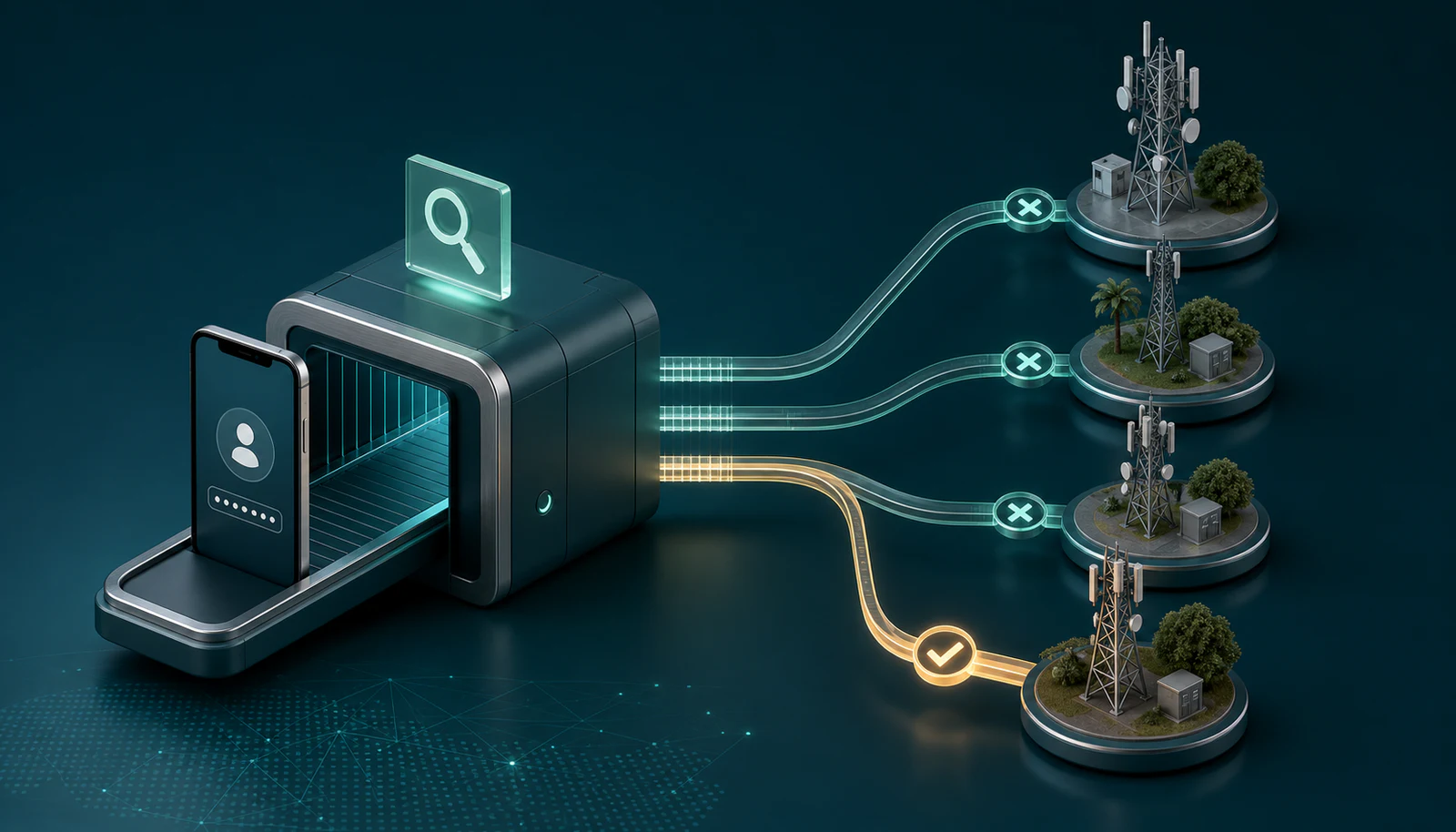
Use SIMcloud’s free Network Confirmation Tool to check the current network of a South African mobile number before sending airtime or choosing a data bundle. Enter the number in local format, complete the hCaptcha check and SIMcloud returns the network reported for that number.
Try it now: open the public Network Confirmation Tool. A free account is not required for an ordinary once-off check.
Why a mobile prefix is not enough
South African mobile numbers can move between networks. The starting digits may suggest the network that originally issued the number, but they do not prove where it is currently active.
Choosing the wrong network can cause:
- Airtime or data recharge failure.
- An invalid network-specific data product.
- Extra support work and delayed connectivity.
- Confusing retry attempts if the original result is not checked first.
A live confirmation is especially useful for imported customer lists, long-running staff records, vehicle-tracking SIMs and any number that may have been ported.
Format the number correctly
The public tool asks for a mobile number starting with 0, for example 0812345678.
- Use a South African mobile number.
- Remove names, labels and extension text.
- Check all ten local-format digits.
- Do not paste a whole spreadsheet row into the field.
- If a spreadsheet removed the leading zero, correct it from the original source.
Use the public Network Confirmation Tool
- Open Network Confirmation Tool.
- Enter the cell number in local format, such as
0812345678. - Select Find Network.
- Complete the hCaptcha challenge if prompted.
- Read the result: SIMcloud displays the checked number and current network.
The hCaptcha requirement protects the public lookup against automated abuse. If validation fails, correct the number or captcha and submit again.
Use the result before recharging
Record the returned network in the same source list used to build the order. Then use that value consistently:
| Task | How the network result is used |
|---|---|
| Single airtime recharge | Select the returned network on the Airtime Recharge form. |
| Single data recharge | Select the network first so SIMcloud loads its valid data bundles. |
| Bulk airtime CSV | Use the corresponding airtime network name on that row. |
| Bulk data CSV | Use the matching pd- data code and a valid bundle value. |
| SIM fleet maintenance | Update the managed record so future purchases use the current network. |
A network result does not confirm that the SIM is active, has signal or is eligible for every product. It confirms the network information needed to choose the correct recharge route.
Handling many mobile numbers
For a few uncertain numbers, use the public tool one at a time. When network validation is part of a recurring or high-volume workflow, register for SIMcloud and use the account tools or documented Network Lookup API.
A sustainable bulk process is:
- Validate new or changed numbers before adding them to the master list.
- Keep a last-checked date with the stored network.
- Recheck failed recharge numbers before retrying.
- Use the API when validation must be integrated into another system.
Do not treat network lookup as permission to contact someone. It identifies the network for a supplied number; it does not establish consent for marketing or any other communication.
Frequently asked questions
Is the public network lookup free?
Yes. The public SIMcloud tool is available for quick individual checks and is protected by hCaptcha.
Which networks can it return?
The SIMcloud recharge platform works with major South African networks including Vodacom, MTN, Cell C and Telkom; the lookup displays the network returned for the submitted number.
Why can’t I identify the network from the prefix?
Mobile number portability allows a number to move away from the network that originally issued its prefix.
Can I check multiple numbers?
Use a SIMcloud account and the bulk or API workflow when you need more than occasional one-by-one checks.
Does the lookup recharge the number?
No. It is read-only. Place the airtime or data order separately after confirming the result.