
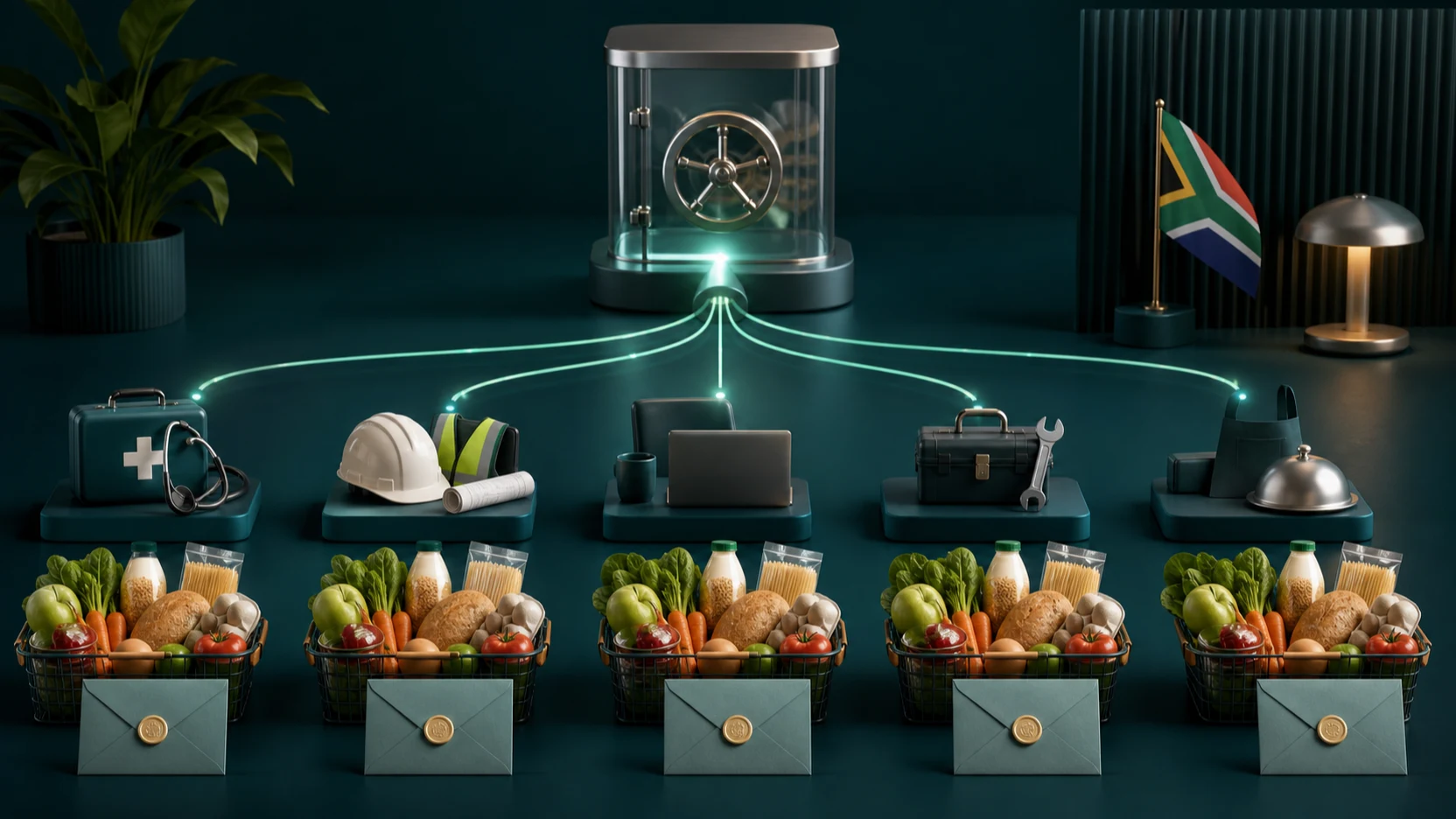
Food vouchers can support employees without requiring a business to distribute cash or purchase physical grocery cards manually. With SIMcloud, an authorised team can choose available grocery vouchers, fund orders from one wallet, issue a checked batch and reconcile every result.
The difficult part is governance: eligibility, fairness, privacy, delivery and proof that the approved value reached the intended person. This guide structures those controls around the SIMcloud workflow.
Design the food-voucher benefit
Before choosing a retailer, document the benefit or support rule:
- Eligibility and approval owner.
- Voucher frequency and value.
- Whether the recipient can choose an approved retailer.
- Budget and accounting owner.
- Privacy classification of the recipient list.
- Delivery channel and escalation process.
- Treatment of failed, rejected or unavailable voucher rows.
Ask the appropriate payroll, tax, labour and accounting advisers how the programme should be treated for your organisation. SIMcloud provides fulfilment and records; it does not decide employment or tax policy.
Choose an appropriate grocery voucher
The live SIMcloud catalogue can include products such as Checkers, Shoprite, Pick n Pay, Woolworths and USave when returned by the supplier. Choose according to the approved programme and recipient accessibility.
| Question | Why it matters |
|---|---|
| Is the retailer accessible to the recipient? | A voucher has limited value if the recipient cannot reasonably use it. |
| Is the product active now? | Catalogue availability can change. |
| Is the approved value a live denomination? | The order must use an amount accepted for that product. |
| Are Shoprite and Checkers treated separately? | They are distinct catalogue products and should not be substituted silently. |
| Are current redemption instructions available? | The supplier controls the latest redemption and expiry terms. |
Prepare the employee list without overexposing data
Use an internal recipient ID or programme reference in the fulfilment file. Avoid copying identity numbers, medical information, salary data or the reason for hardship into a voucher reference.
- Finalise the approved recipient list in the responsible business system.
- Assign a unique fulfilment reference.
- Record the approved retailer and amount.
- Check for duplicate employees and repeated programme references.
- Resolve the product against the live SIMcloud catalogue.
- Prepare one CSV row per voucher.
- Have an authorised reviewer compare the row count and total to the approval.
Fulfil the grocery-voucher batch
- Open the SIMcloud bulk Gift Card CSV page.
- Download the current template.
- Upload the approved CSV.
- Resolve invalid brands, denominations, references or duplicates.
- Review the final accepted rows and total value.
- Confirm sufficient wallet balance.
- Release the batch once.
- Monitor individual outcomes until every row is final or escalated.
Protect recipient dignity and voucher value. Do not publish recipient lists, reasons for support or voucher codes in shared channels. Give staff only the access needed for approval, fulfilment, delivery or reporting.
Deliver the vouchers
Deliver only successful vouchers. Confirm the internal reference, selected retailer and value before sending the code. Use a private channel controlled by the organisation and tell recipients where to obtain help without asking them to post the voucher publicly.
If the completed result includes expiry or redemption details, pass them on exactly. Do not publish a generic retailer instruction that may become stale.
Reconcile approved, fulfilled and delivered value
Use the internal reference to join the approval list to SIMcloud results. Produce a reconciliation containing:
- Approved recipient reference.
- Approved and ordered product.
- Approved and ordered value.
- SIMcloud batch and order identifiers.
- Final processing and billing status.
- Delivery confirmation date.
- Resolution of failed or unavailable rows.
The report should not contain voucher codes unless there is a specifically authorised operational reason.
Frequently asked questions
Can a South African business buy food vouchers for employees?
SIMcloud can fulfil available grocery voucher products. Obtain the appropriate employment, tax and accounting advice for your programme.
Which grocery vouchers are available?
Check the live Gift Cards catalogue. Availability can include Checkers, Shoprite, Pick n Pay, Woolworths, USave and other products.
Can we use different voucher brands?
Yes, if your approved programme allows it and each selected product is currently available.
Can we distribute vouchers through CSV?
Yes. Use the bulk Gift Card CSV workflow for a checked employee list.
How should voucher codes be stored?
Restrict them as spendable value. Keep ordinary reports to order IDs, references, products, values and statuses.