
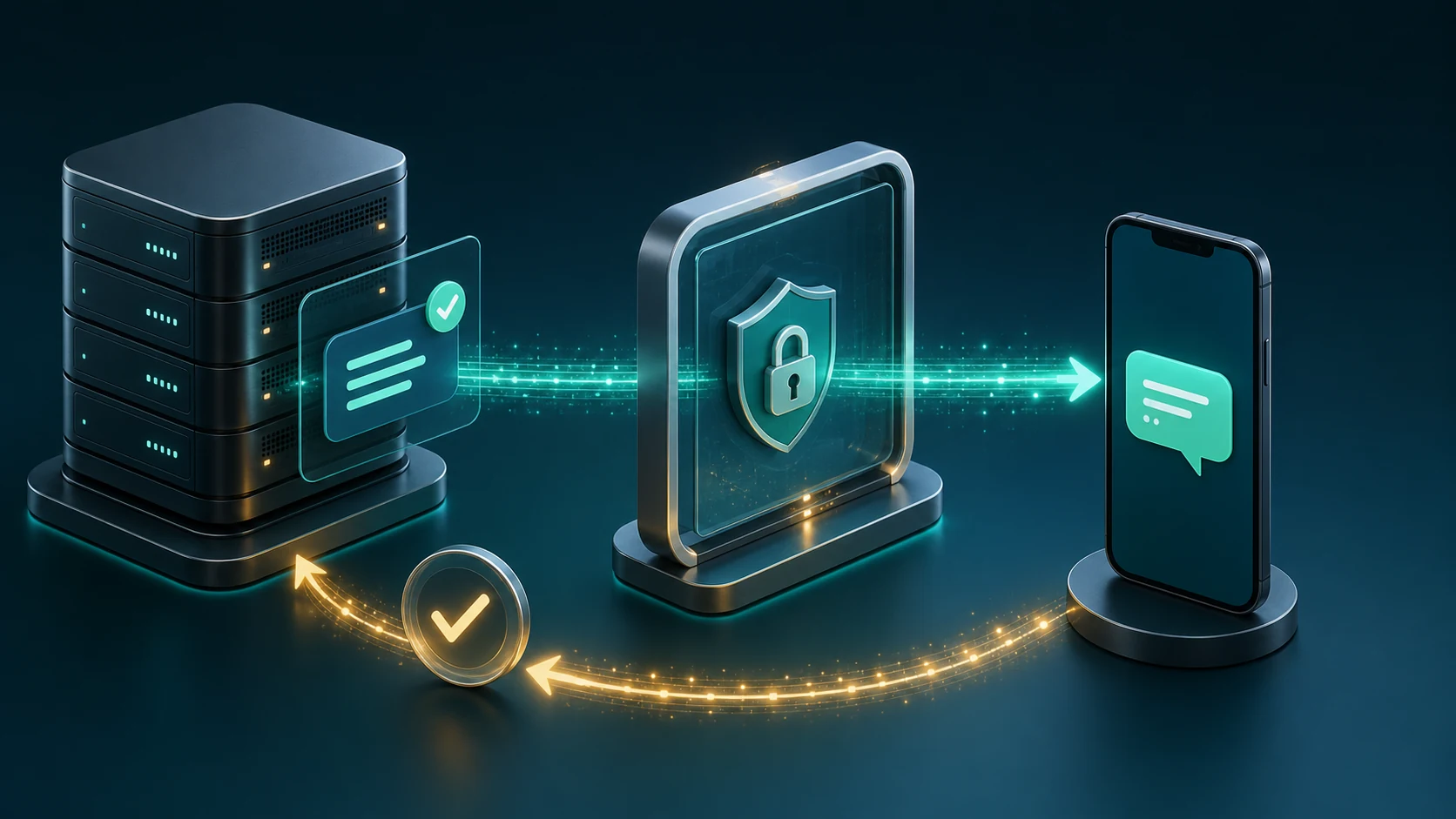
The SIMcloud SMS API can queue a South African SMS from a Node.js server and return an ID that your application uses to check status. This tutorial uses the built-in fetch available in current Node.js releases, so the example does not require an HTTP client package.
Requirements and security
- A funded SIMcloud account and API token.
- A server-side Node.js runtime with
fetch. - The token stored in
SIMCLOUD_API_TOKEN. - A database record for your local message and returned
sms_id. - A lawful and authorised reason to message the recipient.
Never send the API token to a browser or mobile app. Your frontend should call your own authenticated backend, and your backend should call SIMcloud.
Create the Node.js request helper
const baseUrl = 'https://simcloud.co.za';

async function simcloudRequest(path, options = {}) {
  const token = process.env.SIMCLOUD_API_TOKEN;
  if (!token) {
    throw new Error('SIMCLOUD_API_TOKEN is not configured');
  }

  const response = await fetch(`${baseUrl}${path}`, {
    ...options,
    headers: {
      Authorization: `Bearer ${token}`,
      Accept: 'application/json',
      ...(options.body ? {'Content-Type': 'application/json'} : {}),
      ...options.headers,
    },
    signal: AbortSignal.timeout(30000),
  });

  const body = await response.json();
  return {status: response.status, body};
}
Keep the HTTP status. A 401 is an operations/configuration fault, while a 400 normally means the request data is invalid.
Validate the recipient and message locally
The SMS API documentation requires the international South African format +27XXXXXXXXX and accepts messages up to 459 characters.
function validateSms(recipient, message) {
  if (!/^\+27\d{9}$/.test(recipient)) {
    throw new Error('Recipient must use +27XXXXXXXXX format');
  }

  if (typeof message !== 'string' || message.length === 0) {
    throw new Error('Message is required');
  }

  if (message.length > 459) {
    throw new Error('Message may not exceed 459 characters');
  }
}
Character length affects the number of SMS credits: up to 160 characters is one part, 161–306 is two and 307–459 is three. Validate the actual string that will be sent, including personalisation.
Send the SMS
async function sendSms(recipient, message) {
  validateSms(recipient, message);

  const result = await simcloudRequest('/api/sms.php', {
    method: 'POST',
    body: JSON.stringify({recipient, message}),
  });

  if (result.status === 401) {
    throw new Error('SIMcloud API authentication failed');
  }

  if (result.status !== 200) {
    throw new Error(result.body.message || 'SIMcloud SMS request failed');
  }

  return {
    smsId: Number(result.body.sms_id),
    smsCount: Number(result.body.sms_count),
    queuedAt: result.body.timestamp,
  };
}
Persist smsId against your local message before scheduling a status check. Do not keep the ID only in process memory.
Check the message status
async function getSmsStatus(smsId) {
  const result = await simcloudRequest(
    `/api/sms.php?sms_id=${encodeURIComponent(smsId)}`
  );

  if (result.status === 404) {
    return {status: 'not_found'};
  }

  if (result.status !== 200) {
    throw new Error(result.body.message || 'SMS status request failed');
  }

  return result.body;
}
The documentation notes that status checks within 15 seconds of sending return queued. Use a background job rather than holding the original HTTP request open.
| Status | How to treat it |
|---|---|
| queued, pending, staged | Non-final. Schedule another bounded status check. |
| sent | Submitted onward but not necessarily confirmed on the handset. |
| delivered | Delivery to the recipient handset was confirmed. |
| failed | Final failure requiring application-specific follow-up. |
| unknown | Retain the record and investigate rather than assuming delivery. |
Expose a safe application route
Your route should authenticate the user, authorise the messaging purpose, validate the input, create a local message record and then call SIMcloud. Do not expose a generic unauthenticated “send SMS” endpoint.
- Authenticate the application user or trusted system.
- Authorise the recipient and message purpose.
- Create a local pending message with a unique reference.
- Send through SIMcloud.
- Persist the returned
sms_idand SMS part count. - Queue a status job for later.
- Update the local record as statuses change.
Do not log bearer tokens or full sensitive message content. Log the local record ID, SIMcloud SMS ID, endpoint, HTTP status and a safe failure reason.
Consent, privacy and operational use
The API makes delivery possible; it does not create permission to contact someone. Separate operational communication from direct marketing and apply your current consent, objection, opt-out and data-protection process. Review South African Information Regulator guidance and obtain appropriate advice for your use case.
Frequently asked questions
Which number format should Node.js send?
Use the documented +27XXXXXXXXX South African format.
How long may the SMS be?
Up to 459 characters, billed as one, two or three SMS parts according to length.
Should I poll immediately?
No. Persist the SMS ID and use a background status check. Checks within 15 seconds return queued.
Does sent mean delivered?
No. Delivered is the status that confirms receipt on the handset.
Can I put the token in frontend JavaScript?
No. Keep it on your server and call SIMcloud from the backend.