
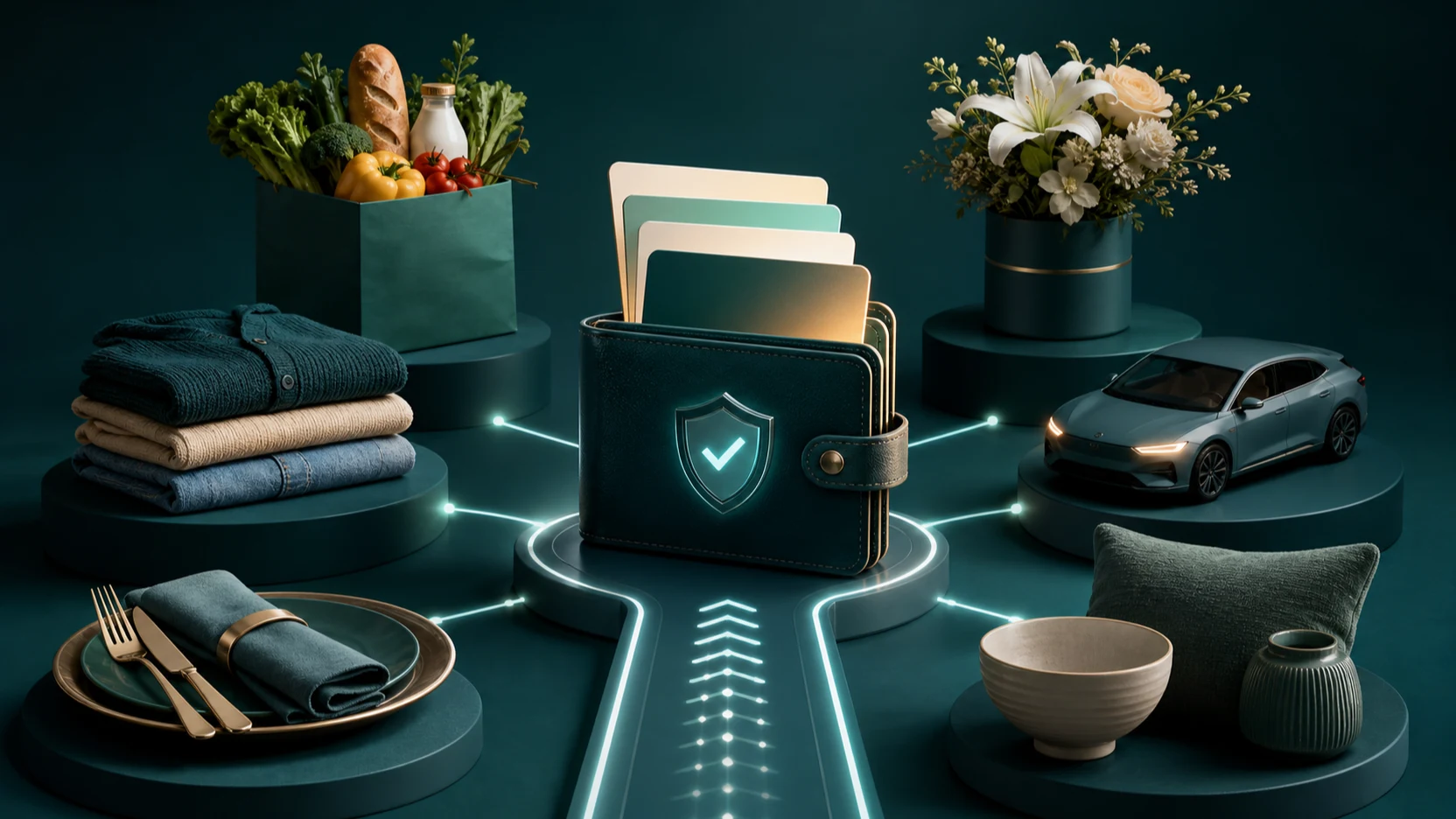
SIMcloud provides one South African account for buying digital gift vouchers, tracking order status and reconciling completed voucher purchases. The live catalogue can include grocery, clothing, restaurant, transport, home, flower and lifestyle brands, depending on current supplier availability.
This guide helps you choose a voucher, buy it through the portal, protect the completed code and decide when to move from a single order to bulk CSV or API fulfilment.
What is a digital gift voucher?
A digital voucher is a code-based value product issued for a particular retailer or service. SIMcloud handles catalogue selection, wallet billing, order processing and history. The retailer or supplier controls the current redemption, expiry and usage rules.
Digital vouchers are useful for:
- Personal gifts.
- Employee recognition and grocery support.
- Customer-service recovery.
- Competition and campaign prizes.
- Loyalty and incentive programmes.
- Controlled business fulfilment through CSV or API.
Choose the right voucher brand
Open the live Gift Cards catalogue and choose the product that matches the recipient’s needs. SIMcloud’s public catalogue positioning includes brands such as Checkers, Shoprite, Pick n Pay, Woolworths, PEP, Spur, Bolt and other South African voucher products, but live availability must be confirmed at purchase time.
| Recipient need | Voucher category to consider | Check before ordering |
|---|---|---|
| Everyday groceries | Grocery retailer voucher | Requested retailer and current denomination. |
| Clothing or household essentials | General retail voucher | Exact product, such as PEP versus PEP Home. |
| Meal or celebration | Restaurant voucher | Recipient preference and retailer redemption information. |
| Transport support | Transport voucher | Current service availability and voucher terms. |
| Flexible employee reward | Approved choice from your programme catalogue | Budget, tax/accounting treatment and internal approval. |
Buy a gift voucher online with SIMcloud
- Create or sign in to your SIMcloud account.
- Ensure the wallet contains enough balance for the planned voucher and any displayed fee.
- Open Gift Cards.
- Search or browse the active product catalogue.
- Open the chosen brand and select one of its live amounts.
- Add a reference that identifies the recipient or purpose.
- Review the amount, total billing value and remaining balance.
- Place the order once.
- Monitor Voucher History until the result is final.
- Open a successful order and deliver the voucher details securely.
Why the order is not always instant: SIMcloud queues the voucher purchase and waits for the supplier result. A pending status means you should check the existing order again, not submit another purchase.
Protect and reconcile the voucher
A completed voucher code should be treated as spendable value. Restrict who can view it, deliver it through an appropriate private channel and avoid copying it into analytics, logs or general reporting exports.
- Verify the product and value before delivery.
- Keep the SIMcloud order ID and your internal reference.
- Record who approved and delivered a business voucher.
- Share the supplier’s returned redemption and expiry information.
- Do not report a pending order as successfully delivered.
Choose single purchase, CSV or API
| Method | Best for | Main control |
|---|---|---|
| Single portal order | One voucher or occasional purchases | Manual product, amount and recipient review. |
| Bulk Gift Card CSV | Approved lists and campaigns | Row validation, batch-total review and individual result reconciliation. |
| VAS API | Rewards, loyalty, support or reseller applications | Live catalogue lookup, persisted order IDs, controlled polling and secure code delivery. |
Do not build automation by scraping the portal. Use the documented SIMcloud VAS API with a bearer token and the current product catalogue.
Avoid common voucher mistakes
- Wrong brand: confirm the exact product; related retailers may be separate vouchers.
- Stale amount: use the live catalogue denomination.
- Duplicate purchase: check the pending order before resubmitting.
- Untraceable campaign: use unique, meaningful references.
- Exposed voucher code: keep codes out of shared sheets and logs.
- Invented redemption advice: use the supplier information returned with the voucher.
Frequently asked questions
Can I buy gift vouchers online in South Africa through SIMcloud?
Yes. Create and fund an account, open Gift Cards and choose an available product and amount.
Which voucher brands are available?
The catalogue can include grocery, retail, restaurant, transport and lifestyle brands. Confirm the live list in SIMcloud because supplier availability changes.
Can a business send vouchers in bulk?
Yes. Use the bulk Gift Card CSV workflow for an approved list.
Is there a gift voucher API?
Yes. The SIMcloud VAS API provides catalogue lookup, voucher order submission and asynchronous result polling.
Where are completed vouchers stored?
Portal purchases appear in Voucher History. API applications should securely store the returned order identifiers and protect completed voucher details.