
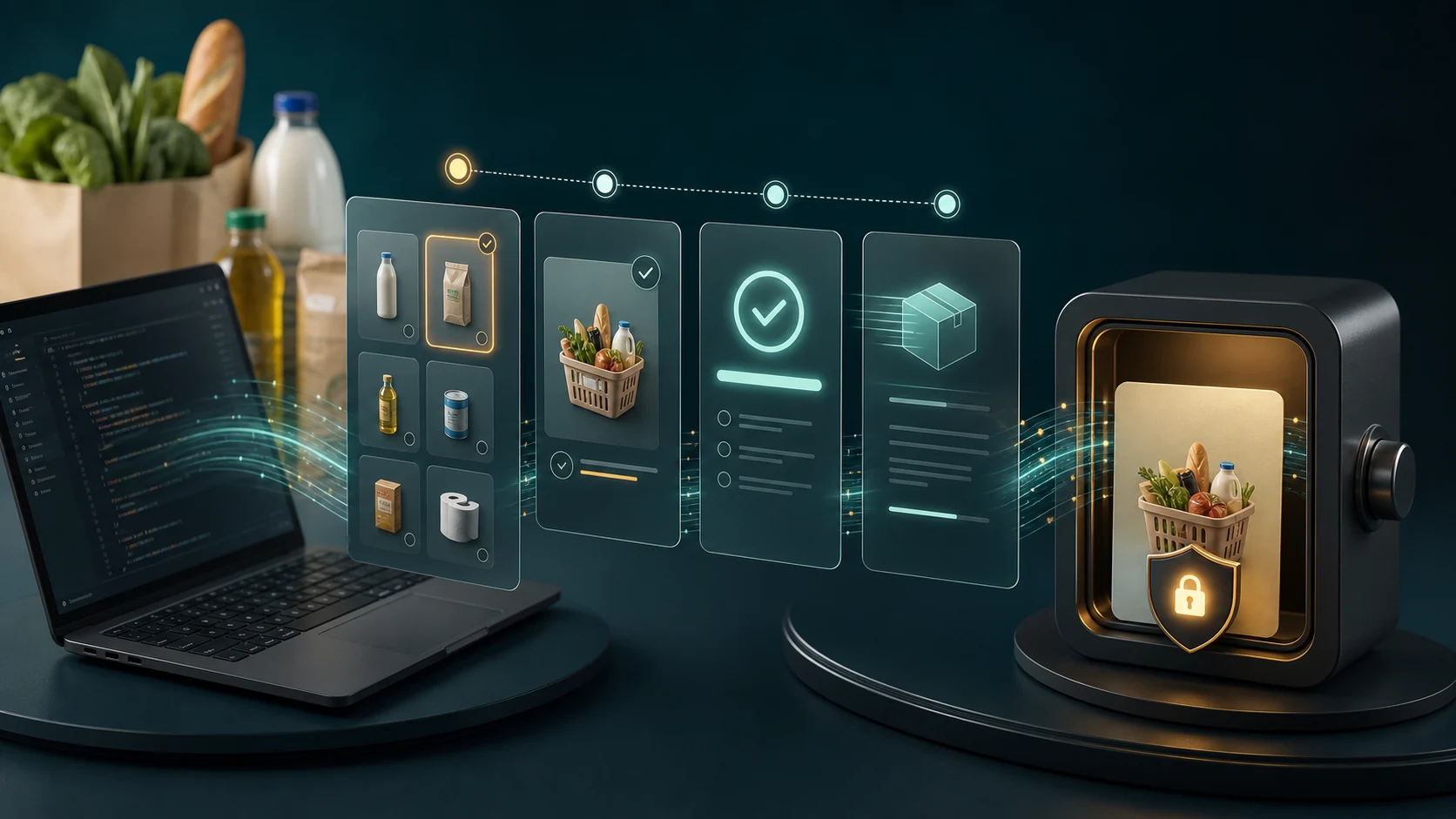
The SIMcloud VAS API can fetch the live voucher catalogue, select Checkers, queue one voucher purchase and return the completed voucher details after asynchronous processing. This is the correct integration path for rewards, grocery support, loyalty and customer-service applications.
Understand the Checkers API flow
- Fetch the active VAS catalogue.
- Find the product whose returned slug is
checkers. - Validate the requested amount against its
available_amounts. - Check programme approval and wallet readiness.
- POST one voucher order with a unique reference.
- Persist
order_idandtransaction_id. - Poll until the order is successful or failed.
- Protect and deliver the successful voucher details.
Fetch and resolve Checkers
GET https://simcloud.co.za/api/vas.php
Authorization: Bearer YOUR_API_TOKEN
<?php
$catalogue = simcloudRequest('GET', '/api/vas.php');
if ($catalogue['http_status'] !== 200) {
throw new RuntimeException('Could not load voucher catalogue');
}
$checkers = null;
foreach ($catalogue['body']['products'] ?? [] as $product) {
if (($product['slug'] ?? '') === 'checkers') {
$checkers = $product;
break;
}
}
if ($checkers === null) {
throw new RuntimeException('Checkers is not currently available');
}Do not hard-code the example product ID. Resolve Checkers from the catalogue returned to the authenticated account. The live response is the authority for availability and denominations.
Validate the voucher request
$amount = 100.00;
$availableAmounts = array_map('floatval', $checkers['available_amounts'] ?? []);

if (!in_array($amount, $availableAmounts, true)) {
    throw new InvalidArgumentException('Requested Checkers amount is unavailable');
}

$reference = 'GROCERY-REWARD-000184';
Also validate local approval, recipient eligibility, budget and duplicate reference before creating value. Keep recipient personal information in your application rather than embedding it unnecessarily in the SIMcloud reference.
Create the Checkers order
$order = simcloudRequest('POST', '/api/vas.php', [
    'product_id' => (int) $checkers['product_id'],
    'amount' => $amount,
    'reference' => $reference,
]);

if ($order['http_status'] !== 201) {
    $message = (string) ($order['body']['message'] ?? 'Voucher order failed');
    throw new RuntimeException($message);
}

$orderId = (int) $order['body']['order_id'];
$transactionId = (string) $order['body']['transaction_id'];

// Persist both IDs, the local reference and current statuses now.
A 201 response means the order was queued. It does not mean the voucher code is already available.
Poll the existing order
$result = simcloudRequest(
    'GET',
    '/api/vas.php?order_id=' . rawurlencode((string) $orderId)
);

if ($result['http_status'] === 404) {
    throw new RuntimeException('Voucher order not found for this account');
}

$status = (string) ($result['body']['status'] ?? 'unknown');

if ($status === 'pending') {
    // Schedule another bounded poll.
} elseif ($status === 'success') {
    $vouchers = $result['body']['vouchers'] ?? [];
    // Store voucher details in a protected delivery store.
} elseif ($status === 'failed') {
    // Close the local order as failed and alert the responsible operator.
}
Never create a second Checkers order because the first is pending. Continue querying the persisted order ID. A duplicate could issue spendable value twice.
Secure the voucher code
The successful response can contain voucher type, voucher code, value and expiry information. Treat that payload differently from normal API metadata:
- Do not log the full successful response.
- Encrypt stored voucher details where appropriate.
- Restrict reads to the delivery function and authorised support.
- Do not include codes in analytics or reconciliation exports.
- Verify recipient identity before revealing the code.
- Record delivery separately from supplier completion.
Handle API errors
| Result | Correct handling |
|---|---|
| 400 product error | Reload the catalogue and require a valid product selection. |
| 400 amount error | Use the returned available_amounts; do not round to a nearby value. |
| 400 insufficient balance | Pause fulfilment and surface required versus available balance to operations. |
| 401 | Stop all voucher fulfilment and fix API credentials. |
| 404 query | Check account ownership and persisted identifiers. |
| Pending | Schedule another poll. |
| Failed | Preserve the original order and use the approved exception process. |
Frequently asked questions
Is there a Checkers voucher API in South Africa?
SIMcloud’s VAS API can return Checkers in the live catalogue, accept an available amount and provide asynchronous voucher results.
Can I always use the slug checkers?
Resolve the current product from the live catalogue. Only order when it is active and supplier-available.
Can I choose any amount?
No. Validate against the product’s returned available_amounts.
Does HTTP 201 include the voucher code?
Not necessarily. It confirms the order was queued. Poll the returned order ID until success or failure.
Can I log the successful response?
Do not send voucher codes to ordinary logs. Store them only in a protected delivery path.