
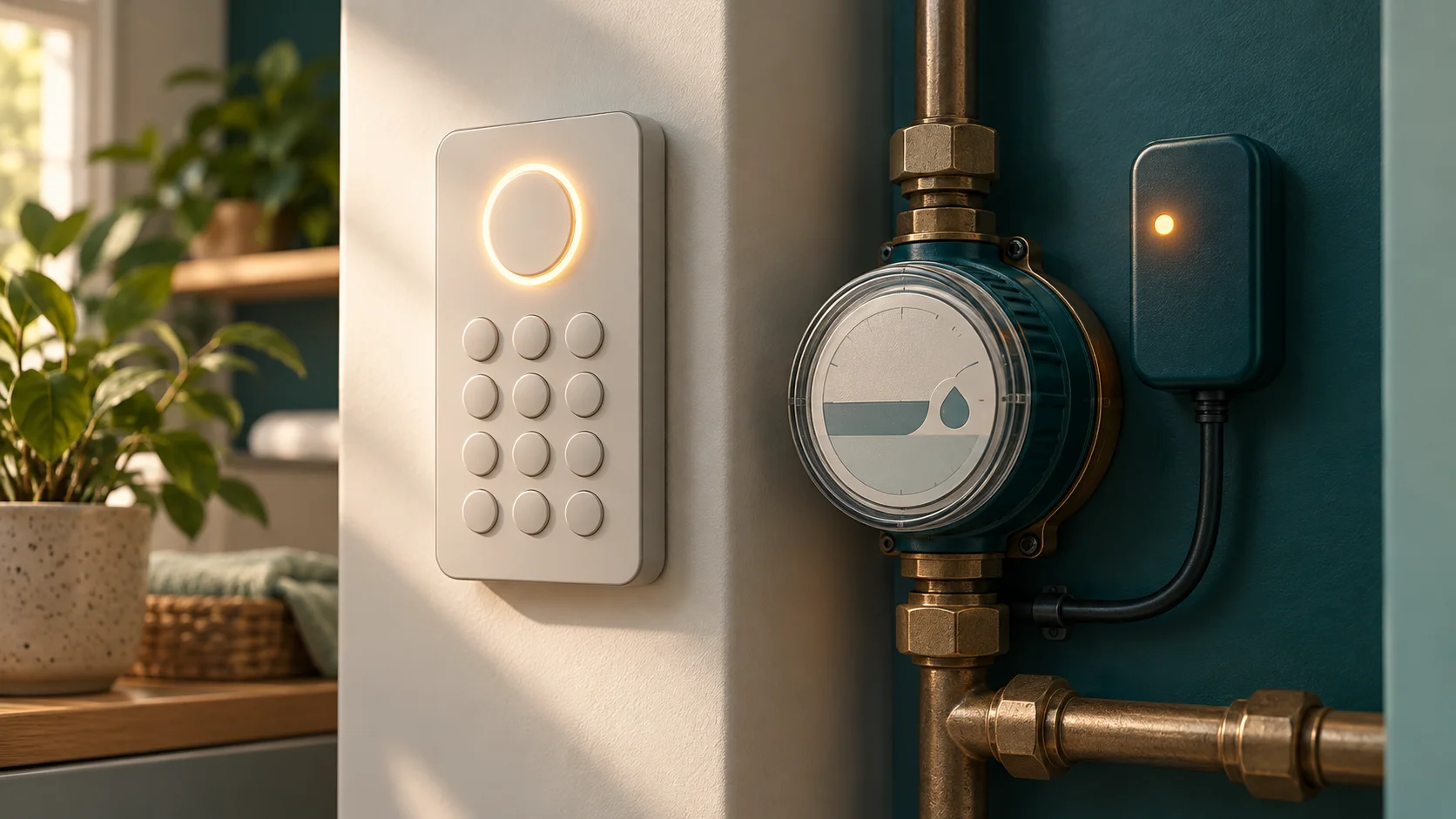
A Utility Systems UIU or CIU is an interface to the installed metering device; identify the exact model and whether it measures water before using any command. Electricity keypad codes should not be copied onto a water interface merely because both accept prepaid tokens.
Water and electricity are different systems
The manufacturer's current Inzalo Utility Systems CIU page describes its interface for ultrasonic water meters, including consumption information and alerts. The Citiq 2022 pocketbook also includes a Utility Systems water-management/interface section. These are not proof that every old and new unit has identical menus or battery arrangements.
Read the labels and record the water management device, meter and interface identifiers requested by the administrator. Look at the unit indicator: litres or kilolitres are not kWh. A water token and electricity token are not interchangeable.
Describe the symptom precisely
| Symptom | First distinction | What to record |
|---|---|---|
| Blank interface | Normal power source versus a purchase problem | Model, accessible power/battery status and last normal operation |
| Interface on but no reading | Communication versus stored credit | Exact communication indication and installation changes |
| Token rejected | Meter identity and token validity | Receipt, full intended identifier and exact response |
| Credit shown but no water | Supply/valve/technical condition versus balance | Display symbols, surrounding outage context and administrator reference |
Use only the model's normal user controls and the administrator's instructions. Do not open sealed equipment, move valves inside protected enclosures or change wiring. A technical or tamper state needs the responsible supply authority.
When the interface cannot communicate
Follow the exact model's guidance for its power source, batteries and communication conditions. A compatible indoor interface and the correct meter link are both necessary. New and older products can differ, so do not assume that a battery replacement or pairing procedure from another unit is appropriate.
This guide deliberately does not publish a universal reset or pairing string. Pairing associates equipment and can require authorised installation information. Ask the administrator to confirm the installed device and supported procedure, especially after replacement or a change of property management.
Check the purchase path
Compare the identifier on the receipt with the intended water account or meter. Distinguish a payment reference, voucher PIN and final meter token. If the seller issued a voucher needing redemption, recover that stage before treating it as a meter rejection.
The water-token troubleshooting guide covers purchase and acceptance problems. For an electricity installation instead, return to the electricity meter hub and select the physical manufacturer and model.
Read allocation and consumption in the correct units
A displayed water allocation is not a rand balance unless the specific system labels it that way. Save the unit, reading time and receipt. Recent usage can reduce the remaining quantity after a token is loaded.
If free or subsidised water is expected, ask the municipality or administrator about household eligibility and configuration. A display request cannot approve a benefit or generate free credit. Keep benefit activation separate from a physical supply interruption.
Send useful information to support
Provide model-label photos, the correct meter/account identifier privately, exact display, purchase reference and a timeline of what changed. Say whether the interface powers on, whether a reading can be obtained and whether any token was accepted. Ask which party controls the water supply and the prepaid record.
The manufacturer's page lists its support contact, while the municipality, property administrator or vending supplier may control the particular account. A seller can trace payment; a supply administrator may need to investigate the device or service condition.
UIU questions
Is “UIU” a single universal meter model?
No. It describes an interface role. Match the manufacturer, product generation and installation.
Can I use Hexing electricity codes on this water interface?
Do not assume compatibility. Use the installed water device's own documentation and administrator's guidance.
Manufacturer and technical sources reviewed 1 November 2026. The article image is generic and is not a model-identification photograph.