
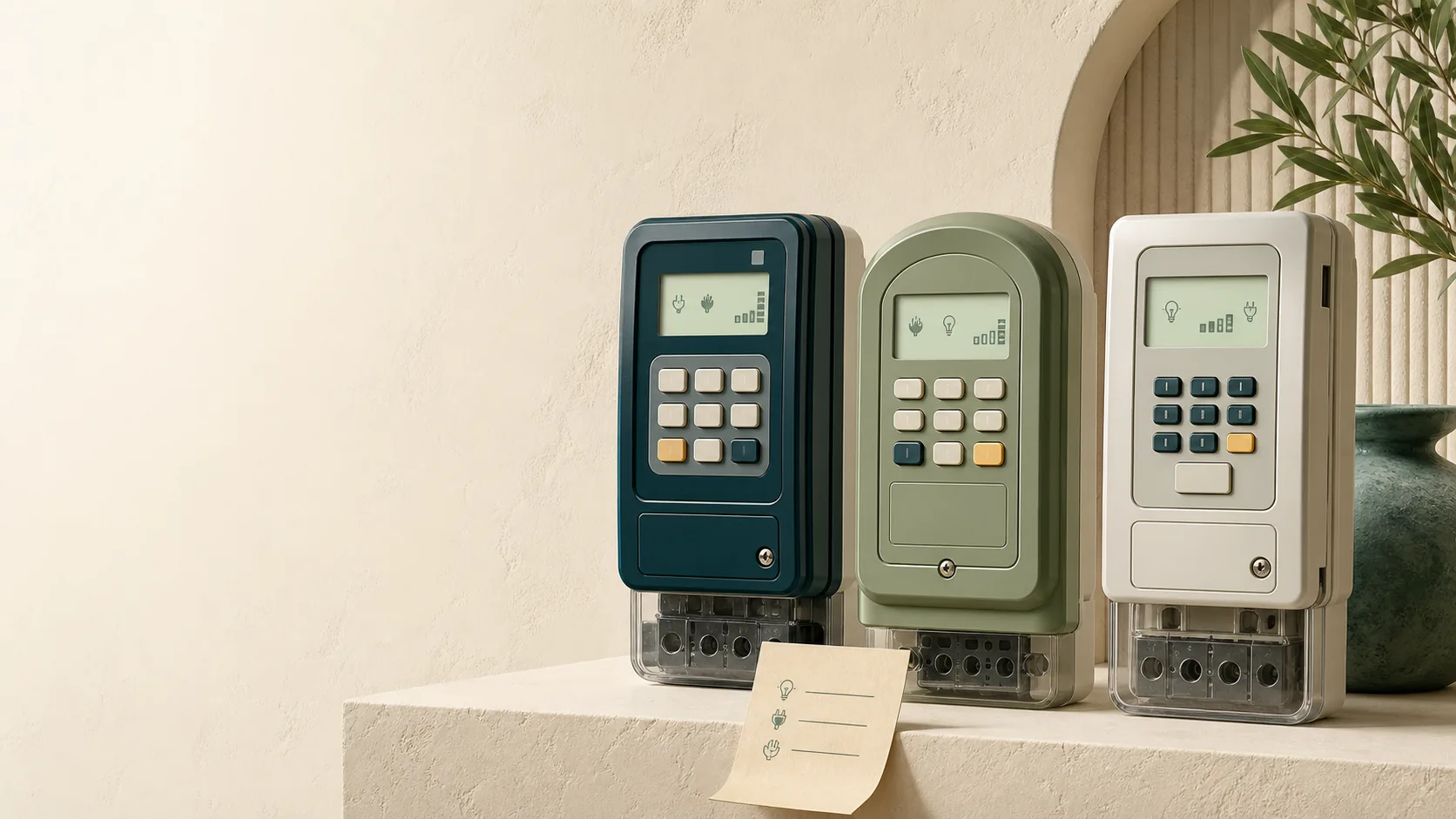
Every prepaid electricity meter in South Africa has keypad shortcodes for checking your balance, displaying the meter number and reading its status. The codes differ by manufacturer, the manuals are nowhere to be found, and the display abbreviations look like hieroglyphics. This page collects the codes for the three brands on most South African walls: Hexing, Conlog and Landis+Gyr (Cashpower).
One note before the tables: codes can vary slightly between model generations of the same brand. If a code does nothing on your meter, it is not broken; try the alternative listed, or check the sticker inside the keypad cover, which often lists model-specific codes.
How to identify your meter brand
Look at the front of the meter or the keypad unit. The brand name is printed on the casing: Hexing, Conlog, Landis+Gyr or Cashpower (Cashpower is a Landis+Gyr product line). On split meters, the brand on the indoor keypad matches the meter it is paired with.
Hexing meter codes
Type the code on the keypad, then press Enter.
| What you want | Code |
|---|---|
| Remaining balance (units) | 801 |
| Meter number | 804 |
| Meter self-check | 812 then # |
Hexing meters also show plain-text status messages. "UsEd" means the token you entered has already been redeemed on this meter. Overload messages ("OVEr" variants) mean too many appliances are drawing power at once; switch some off and the meter restores supply.
Conlog meter codes
Conlog codes are wrapped in hash keys. Type the full sequence including both # symbols.
| What you want | Code |
|---|---|
| Meter number | #100# |
| Tariff index | #003# |
| Supply group code | #030# |
| Meter test mode | #000# |
| Key revision check | #5# |
On many Conlog models the remaining balance shows on the display by default, cycling with the date and time. Newer Conlog meters show "DISPLAY ERROR" when a token is rejected; the token troubleshooting guide explains the four reasons that happens.
The tariff index and supply group codes matter when a valid token is being rejected: if these values in the meter do not match what the vending system has on record, tokens fail even though nothing is wrong with your purchase. Reading them off the meter and giving them to support speeds up the fix enormously.
Landis+Gyr (Cashpower) meter codes
Landis+Gyr meters use an information button, usually marked "i", below or beside the keypad. Press i, then the number code.
| What you want | Code |
|---|---|
| Meter number | i then 000 (some models: i then 024) |
| Key revision check | i then 057 |
On the meter number code, some models display the first eight digits, pause, then display the remaining digits, so watch the screen for a few seconds. Balance on most Cashpower units shows on the default display; pressing the i button cycles through the available information screens, including consumption figures.
Reading the display: units, not rands
All three brands display your balance in kilowatt-hours (units), not rands. A balance of 43.5 means 43.5 kWh remaining, regardless of what you paid for them. How many rands a unit costs depends on your tariff and, in most municipalities, on how much you have already bought that month; our guide on why you get fewer units for the same money covers that in full.
Most meters warn you when units run low: a red light, a beep, or both. On split meters the indoor keypad usually beeps below a set threshold. That beep is the single best money-saving device in your house, because it stops the emergency month-end purchase that lands in your most expensive tariff block.
When you need your meter number
You need the meter number, not your address or account number, for almost everything:
- Buying electricity anywhere other than your usual vendor
- Reporting a faulty token or requesting a tamper reset
- Checking whether a meter is supported before you buy for a new address
- Registering a meter for scheduled monthly purchases
Get it from the keypad using the codes above rather than from an old slip, because slips can carry a mistyped number and then every future purchase repeats the mistake.
FAQ
How do I check my balance on a prepaid meter?
Hexing: enter 801 and press Enter. Conlog and Landis+Gyr: the balance usually shows on the default display; press the hash or information button to cycle screens if not. The figure is in kWh units, not rands.
How do I find my prepaid meter number?
Hexing: 804. Conlog: #100#. Landis+Gyr: press the i button then 000 (or 024 on some models). The number is also printed on the meter casing, but the keypad code confirms the number the meter actually reports.
Why does my meter show units but no electricity comes through?
On split meters, the keypad can show a balance while the contactor in the main meter has not re-engaged, often after an outage. If power does not restore on its own, and the display shows an error or tamper symbol, the meter administrator needs to issue a reset token. See the token troubleshooting guide.
What do r1, r2, t1 and t2 on my meter mean?
These indicate the key revision and tariff index programmed into the meter. Support teams use them to check whether a meter has been updated to the current encryption keys. If asked, run the key revision code for your brand and read back what displays.
Are these codes the same in every municipality?
Yes. The codes belong to the meter manufacturer, not the municipality, so a Conlog meter answers #100# whether it is in Cape Town or Polokwane.
Buying for this meter every month? Create a free SIMcloud account, save the meter once, and never type the number again. Every token stays in your Electricity History.