
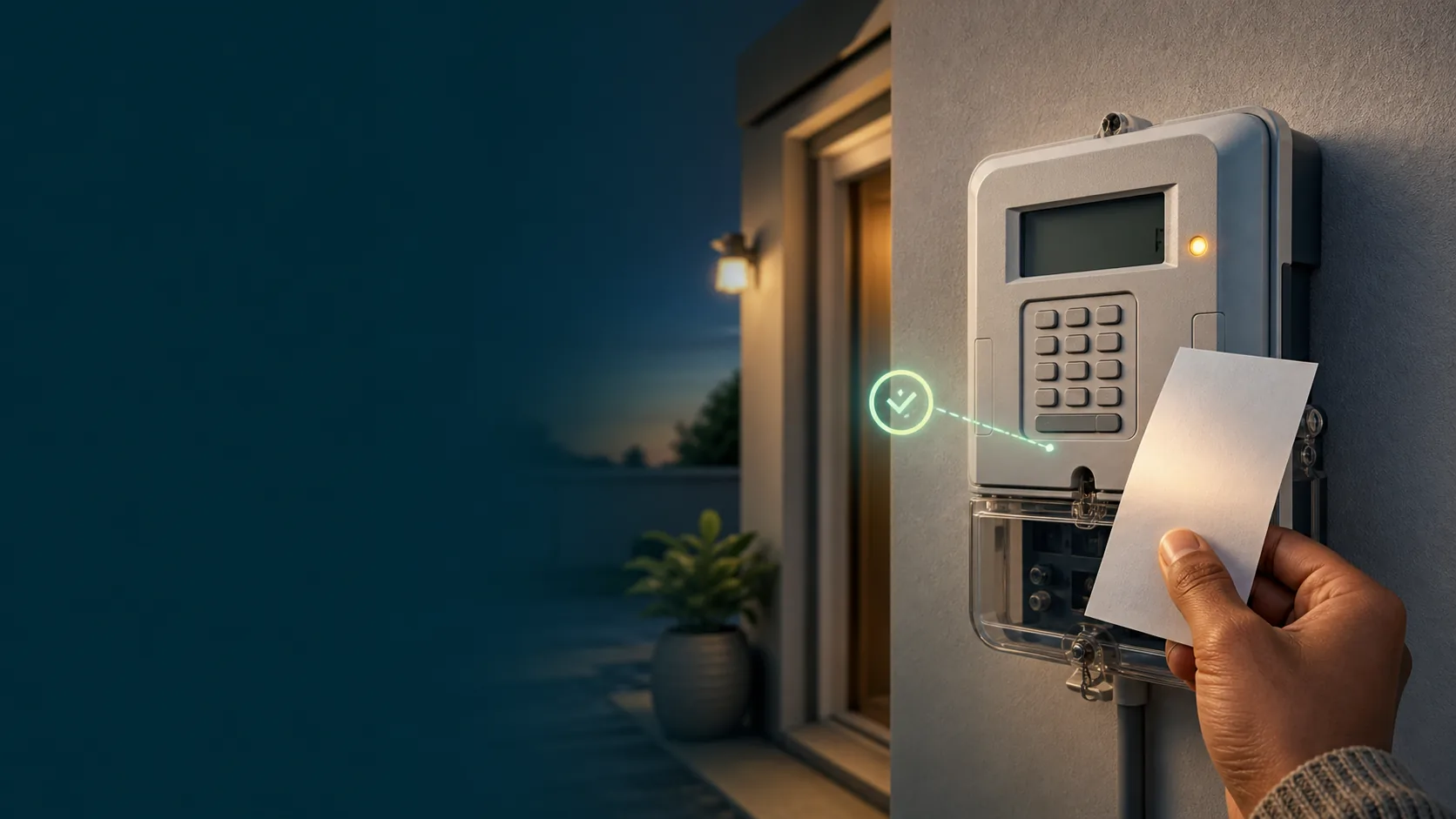
You bought electricity, you typed in the 20-digit token, and the meter said no. Before you buy another token or phone anyone, work through this list. Nine times out of ten the problem is one of the seven causes below, and most of them cost nothing to fix.
First, rule out the simple stuff
1. A typing mistake. The token is 20 digits. One wrong digit and the meter rejects it as invalid. Clear the entry and type it again slowly, reading in groups of four. On most keypads the # or backspace key clears a mistake.
2. The meter lost power mid-entry. If the lights flickered or the mains tripped while you were typing, start the entry again from scratch.
3. You are entering it on the wrong unit. On split meters, the keypad box inside the house (the customer interface unit) must be communicating with the actual meter, which is often outside or in a communal box. If the keypad shows a communication error or nothing at all, the problem is the link, not your token. Check that the keypad is plugged into a working socket, and try a different socket on the same circuit.
The token was issued for a different meter
This is the most common real failure. A token is encrypted for one specific meter number. If the meter number used at purchase does not exactly match the meter you are entering it into, the token can never work, on any meter except the one it was issued for.
How it happens: a saved meter number from an old address, one digit captured wrong, or buying for a family member and mixing up numbers.
Fix: compare the meter number printed on your purchase slip with the number on the meter itself. You can make the meter display its own number from the keypad: press 804 on Hexing meters, #100# on Conlog meters, or the information button followed by 000 on Landis+Gyr (Cashpower) meters. Our meter codes guide covers all of these. If the numbers differ, the token belongs to whichever meter it was bought for. Buy again with the correct number, and next time verify the meter before paying.
The meter says the token is used
A "used" or "duplicate" message means this exact token has already been entered successfully on this meter. Each token works exactly once.
This usually happens when someone else in the household loaded it already, or you are re-entering an old token from a previous slip. It is actually good news: the electricity was credited. Check your balance before assuming anything was lost.
If you genuinely cannot find the token you paid for, do not buy the same purchase twice. Every token you buy through SIMcloud stays in your Electricity History permanently, and this guide shows how to recover a token and confirm whether it was already redeemed.
The meter needs key change tokens first
If the meter rejects a perfectly valid, correctly-typed credit token, the meter's encryption keys may be out of date. Municipalities periodically re-key meters when tariffs or supply group codes change. When that happens, the vendor issues two extra 20-digit tokens, called key change tokens, alongside your credit token.
Fix: enter the two key change tokens first, in the order printed on the slip, then enter the credit token. If your slip only has one token and the meter still refuses it with a mismatch or range error, contact your municipality or meter administrator and ask whether the meter needs a key change. Full details in our key change tokens guide.
The meter is in tamper mode
If the display shows a tamper indicator, an open-switch symbol, or the meter refuses everything including valid tokens, the meter has flagged interference. This can be triggered by an actual tampering attempt, but also innocently: a bumped cover, a power surge, or work done on the wiring.
Fix: only the administrator of the meter (your municipality, Eskom, or the private metering company for your complex) can issue a tamper reset token. There is no legitimate universal code that clears tamper mode, and codes shared on forums either do not work or make the situation worse. Phone the number on the meter or your municipal electricity department, give them the meter number, and request a reset token. It is free if there was no actual tampering.
The token has the wrong tariff or supply group
Rare, but it happens after municipal boundary changes or meter reprogramming: the tariff index or supply group code inside the meter no longer matches what the vending system believes. The symptoms look identical to an invalid token even though everything was bought correctly.
Fix: this one is for the supplier to solve. Report it with your meter number and the token number; they can compare the meter's programmed values with the vending record and issue correction tokens.
When to contact support, and what to have ready
If none of the above resolves it, contact whoever sold you the token. Have these ready, because they are the first three things any support team asks for:
- The meter number (from the meter itself, using the keypad codes above)
- The full 20-digit token
- The receipt or reference number of the purchase
With those three, a vendor can see instantly whether the token was issued, for which meter, and whether it was redeemed. SIMcloud keeps all three against every order automatically, which is why token queries get resolved in minutes rather than days. If you are still buying at a till and losing slips, buying online removes that whole class of problem.
FAQ
Why does my meter say invalid token?
Either the token was typed incorrectly, it was issued for a different meter number, or the meter needs key change tokens before it can accept new credit tokens. Work through those three in that order.
Can I use a token on a different meter?
No. Tokens are encrypted for one specific meter number and will never work on any other meter.
Do prepaid electricity tokens expire?
Standard credit tokens do not expire in the way airtime does. A token from months ago will still load, provided the meter has not been re-keyed since it was issued. If the meter has had a key change, older tokens may be rejected; contact the vendor with the token and meter number.
The shop's machine printed the token but my meter rejects it. Did I lose my money?
No, the purchase exists in the vending system. The token was most likely issued against the wrong meter number. Take the slip back to the seller, or contact the vending platform with the receipt number, and have it reissued for the correct meter.
My meter shows a tamper or error symbol. Can I clear it myself?
No. Tamper conditions require a reset token from the meter's administrator. Contact your municipality, Eskom or the metering company for your building.
Never lose a token again. Create a free SIMcloud account, check your meter is supported, and every token you ever buy stays saved in your Electricity History.