
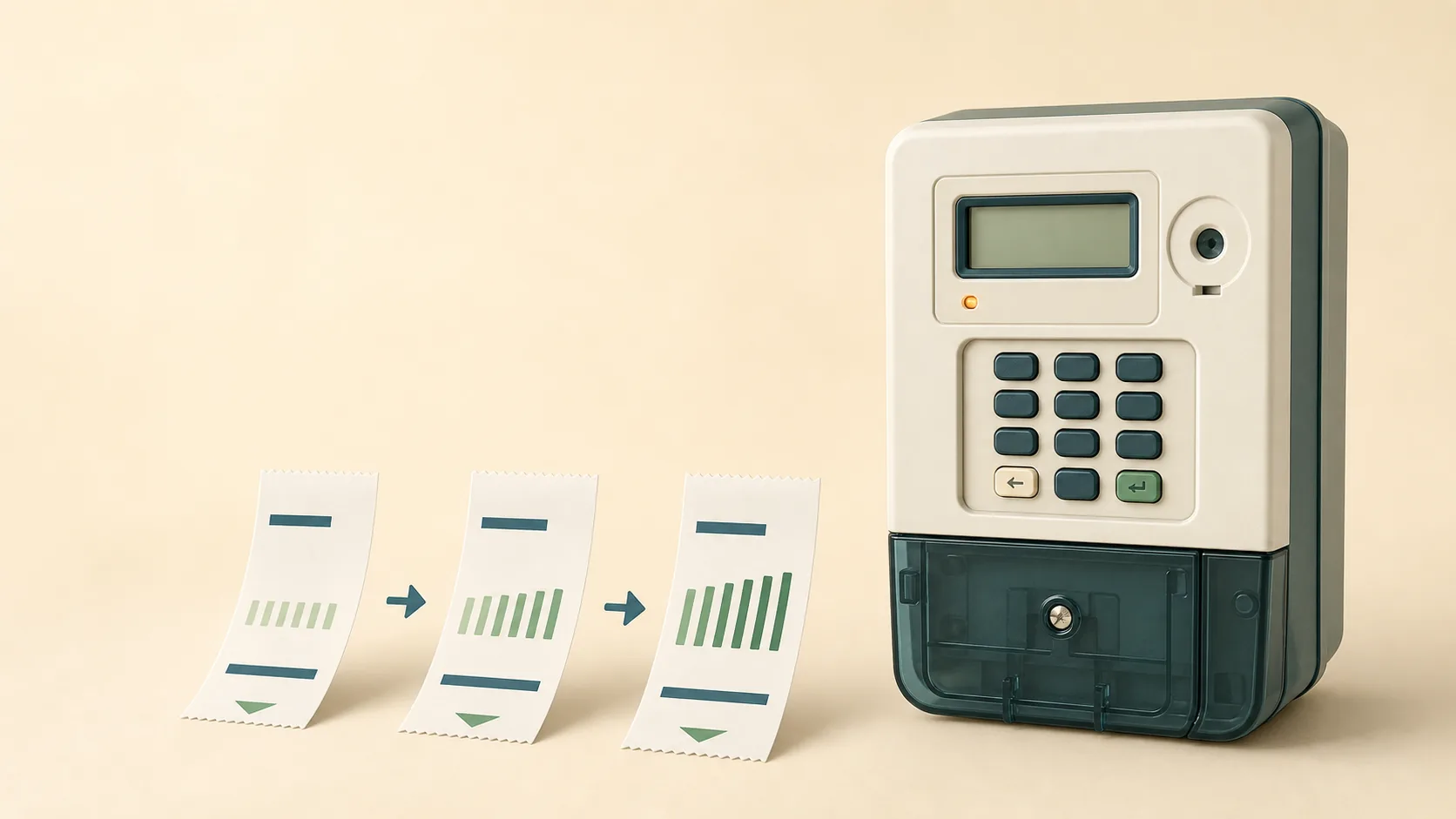
You bought electricity like every other month, but this time the slip has three 20-digit numbers on it instead of one. Or worse: the meter suddenly rejects every token you buy, and someone at the municipality mumbled something about a key change. Here is what key change tokens are, why they exist, and exactly what to do with them.
What a key change token is
Every prepaid meter holds a set of encryption keys. When you buy electricity, the vending system encrypts your credit token with the keys it believes your meter is using. The meter decrypts the token, checks it, and loads the units. As long as both sides agree on the keys, everything just works.
Sometimes the keys have to change. When that happens, the vending system issues two special 20-digit tokens, the key change tokens, that reprogram the meter to the new keys. They carry no electricity themselves. They are purely an instruction to the meter: stop using the old keys, start using these.
That is why they arrive as a pair alongside your normal credit token: two key change tokens to update the meter, then your actual electricity.
Why meters get re-keyed
The common triggers, all routine:
- Tariff changes. Your municipality moves your property to a different tariff category, and the tariff index inside the meter must be updated to match.
- Supply group changes. Municipal boundaries or vending arrangements change, and the meter must move to a new supply group code.
- System-wide updates. Occasionally the entire national prepaid system requires meters to be updated, as happened with the token identifier rollover, when every STS meter in the country needed key change tokens to keep accepting tokens.
- Meter migrations. Your area's vending moves from one administrator to another.
None of these are anything you did. The meter simply needs to be told about the change, and the key change tokens are how it gets told.
How to enter key change tokens: the order matters
- Enter key change token 1 exactly as printed, all 20 digits. The meter should accept it and briefly confirm.
- Enter key change token 2. Same process.
- Enter your credit token. Your units load as normal.
The order is printed on the slip, and it matters: the meter cannot accept the new credit token until both key change tokens have gone in first. If you enter the credit token first, it gets rejected; nothing is lost, just enter the two key change tokens and then try the credit token again.
Once the key change tokens are in, they are done forever. Future purchases go back to a single credit token, until the next time the municipality changes something, which may be years away or never.
"My meter rejects everything": the key change you never received
The frustrating version of this story: the municipality re-keyed your area, but your last few purchases were made before the change registered, or you buy through a channel that did not pass the key change tokens along. Now every token bounces and you are convinced the meter is broken.
The tell-tale signs it is a key mismatch rather than anything else:
- Valid, correctly typed tokens are rejected with mismatch or range errors
- It started suddenly after months of everything working
- Neighbours on the same scheme had extra tokens on their recent slips
The fix: buy your next token as normal. If the vending system knows your meter is due for a key change, the key change tokens print automatically with your purchase. If they do not appear and tokens still fail, contact your municipality or meter administrator with your meter number (here is how to read it off the keypad) and ask them to issue key change tokens for it. This costs nothing.
If you have older unused credit tokens from before the key change, they were encrypted with the old keys. Sometimes the vending system reissues them; take the token numbers and receipts to whoever sold them.
Moving into a new place with a prepaid meter
Key changes also matter when you move. If the previous occupant was on a different tariff, or the meter sat unused through a municipal update, your very first purchase may arrive with key change tokens attached. That is normal; enter them in order and carry on.
What you should always do at a new address, before spending real money:
- Read the meter number off the keypad, not off old paperwork left in a drawer.
- Check that the meter is recognised by the vending system.
- Make a small first purchase to confirm the whole chain works, then buy normally.
The complete buying walkthrough covers this from meter check to token entry.
FAQ
Do key change tokens give me electricity?
No. They only update the meter's encryption keys. Your electricity is on the third token, the credit token, which the meter will accept once the key change tokens are in.
What order do I enter the three tokens?
Key change token 1, then key change token 2, then the credit token. The slip prints them in order.
I entered the credit token first and it was rejected. Is it lost?
No. Enter the two key change tokens, then enter the same credit token again. It will load.
Do I need key change tokens every month?
No. A key change is a once-off event. After it, purchases go back to a single token until the municipality changes tariffs or supply groups again.
I only ever get one token but my meter rejects it. What now?
Ask your municipality or meter administrator whether the meter is due for a key change, and request the tokens with your meter number. If the meter shows a tamper symbol instead, that is a different problem: see the token troubleshooting guide.
Tokens, receipts and meter numbers in one place. Create a free SIMcloud account and every purchase, including any key change tokens, stays saved in your Electricity History.