
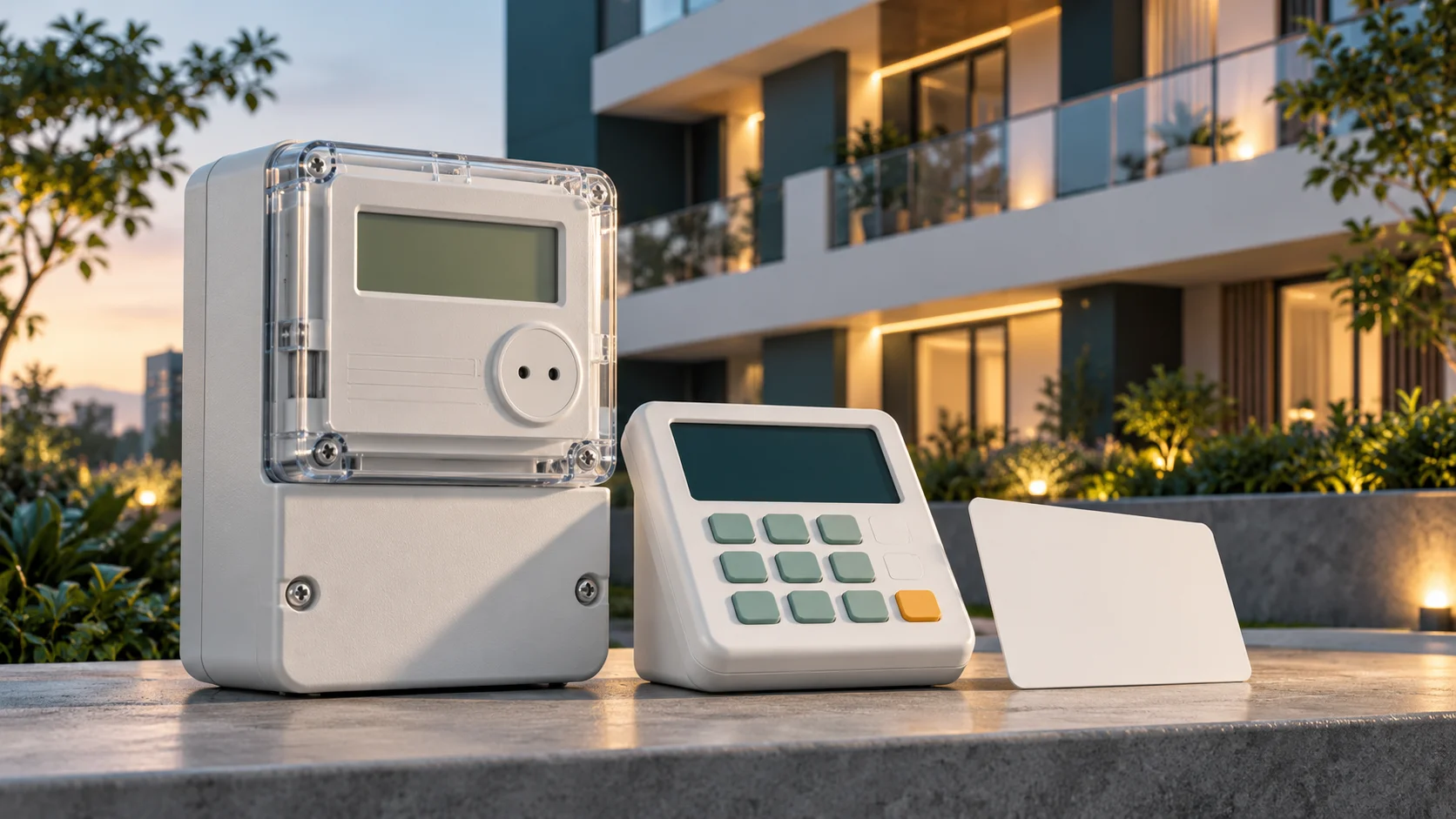
Citiq Prepaid is a metering and vending administrator, so identify the physical meter's manufacturer and model before choosing a keypad code. A Citiq receipt does not mean that every installed device uses the same commands. Registration, token delivery, credit display and supply faults are separate tasks.
Identify the meter and who administers it
Record the meter model, keypad/CIU model and complete meter number without opening equipment. On a split installation, the indoor interface communicates with a separate meter. Its own device identifier is not automatically the electricity purchase number.
Citiq's registration policy describes registering installed submeters through its authorised process. A tenant, owner, body corporate and managing agent can hold different roles. Ask who is authorised to manage the account rather than attempting to change registration based solely on possession of a keypad.
Use a code only within its model scope
The Citiq 2022 pocketbook includes technical information from manufacturers. Its Hexing section documents 801 for credit, 804 for the meter number and 812 for the alarm. Match the named equipment and manual before applying those instructions; they are not universal “Citiq codes”.
For detailed model-qualified instructions use the Hexing guide, Conlog guide or Cashpower guide. The pocketbook also contains installation and commissioning material; those procedures are not ordinary resident troubleshooting commands.
Recover a purchase before buying again
Find the original seller's completed purchase record and compare its meter number. If payment succeeded but the message is missing, ask for the original token or notice. A second purchase can create another debit without resolving delivery of the first.
If the token was received but rejected, record the exact display. A wrong-meter token, already-used token and failed keypad communication require different checks. The error reference links these symptoms to model and administrator evidence.
Balance, tariff and deductions
Record the displayed unit: electricity is normally expressed as kWh, while water uses different units. The remaining credit is not necessarily the number of units on the latest receipt because usage may have occurred after loading. Keep the receipt and reading times together.
For a private submeter, request the administrator's tariff and fee breakdown. A municipal boundary or physical manufacturer does not establish every charge on the private vending receipt. The tariff hub is a budgeting reference and does not substitute an assumed municipal rate for an unverified submeter agreement.
Power or communication problems
Check the interface's normal user-accessible power source and follow its own manual for batteries. Do not open seals, communal cabinets or wiring. A powered keypad can still fail to communicate with the meter. Tell support whether information requests fail as well as tokens and whether equipment was recently replaced.
Positive credit does not prove that supply is connected. Check the actual warning and report a technical fault to the responsible administrator. Do not enter a generic tamper, pairing or commissioning sequence to make an unfamiliar display disappear.
Prepare the support request
- Meter and interface model labels, plus the full purchase meter number privately.
- Purchase time, amount, seller and reference.
- Exact display and whether the token was ever accepted.
- Whether the issue is registration, billing, token delivery or technical supply.
- Any recent meter change or account/occupant change.
Use Citiq's current help route and your property administrator as appropriate. Keep a reference and ask which organisation owns the next step. Avoid posting full tokens or account evidence publicly.
Citiq meter questions
Are 801 and 804 valid on every Citiq-managed device?
No universal claim is made. They are documented for specified Hexing equipment; identify the installed model first.
Can I register a landlord's meter myself?
Ask the administrator and follow Citiq's current authority and registration requirements. Physical access to the keypad does not establish account authority.
Sources reviewed 1 November 2026. Older technical documents are used only within their model scope; the illustration shows generic equipment.