
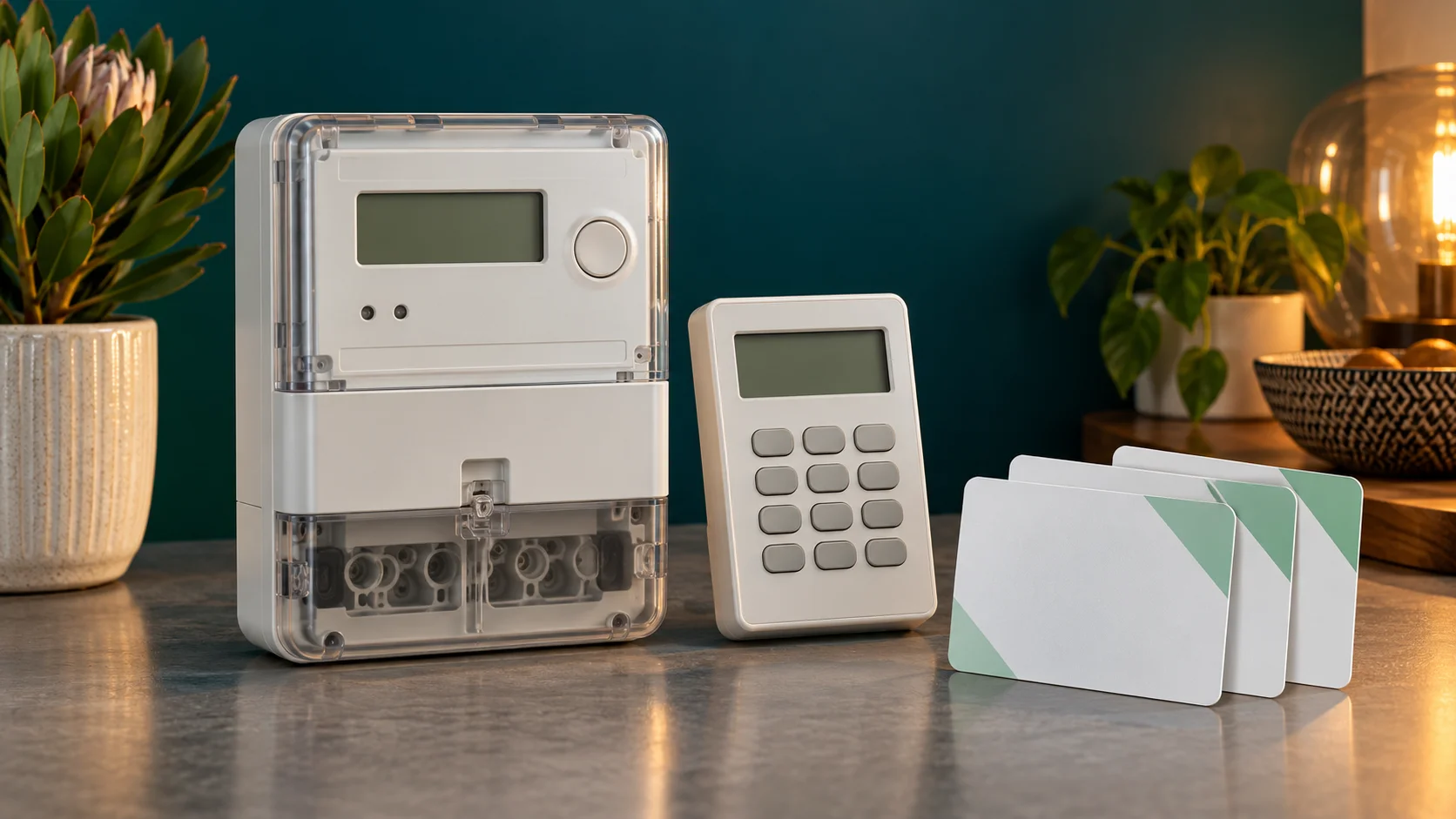
For Cashpower Gemini HMI version 11 firmware, press the information key, then enter 000 for the meter number or 002 for current credit. The brand is Landis+Gyr; Cashpower is the product family. Gemini, Sabre and Gem Lite names do not establish that their keypad instructions are interchangeable.
This guide explains the Gemini HMI information registers, what to record when a token fails, and how to separate a credit problem from a loss of supply. Match the label before using a command. If you have another Cashpower model, obtain that model's user guide from the administrator.
Source and scope: the manufacturer-authored Gemini HMI user guide, document version 0.0, dated 14 December 2011, covers version 11 firmware. The linked copy is hosted by a third party. Commands were checked against the document on 1 November 2026, not tested on your meter. The hero illustration shows generic equipment.
Identify your Cashpower equipment first
Write down the complete model from the meter label and, on a split installation, the indoor customer interface unit (CIU). Keep the manufacturer's name separate from the company administering the account. A private submetering company may manage a Landis+Gyr meter and have its own purchase and support process.
Ask the administrator which number to use for purchases if the label, CIU and old receipt disagree. Do not substitute a municipal account number or the keypad's own serial number for the meter number. A successful lookup of a number is not enough to establish that it serves your property.
For another manufacturer, use the meter-code hub, Hexing guide or Conlog guide. The same three digits can mean something different on another interface.
How the Gemini HMI information key works
- Locate the information key on the matching keypad.
- Press it to enter information mode and look for the information indicator.
- Enter the three-digit register, including leading zeros.
- Wait for the full display and record its unit or scrolling sequence.
- Use the guide's instructions to return to the normal display before entering a credit token.
An information register reads a stored value. It is different from a purchased electricity token or a meter-specific management token. Reading a key revision does not change that revision. Reading a power limit does not increase the authorised supply.
Useful Gemini HMI registers
| Information | Register after the information key | How to use the result |
|---|---|---|
| Meter number | 000 | Compare with the installed label and receipt. |
| Instantaneous power | 001 | A current load reading, not the remaining credit. |
| Current credit | 002 | The documented credit register has 0.1 kWh resolution. |
| Total units counter | 003 | A cumulative counter, not spendable credit. |
| Current / previous 24-hour consumption | 006 / 007 | Compare the documented measurement periods. |
| Extended / scrolling meter number | 024 / 025 | Read the entire sequence before copying it. |
| Value of last token entered | 056 | Useful context alongside the original receipt. |
| Key revision and key type | 057 | Read back exactly when the administrator requests it. |
These references come from the guide's information-functions section, pages 29–33. Use the correct operating mode and model documentation when interpreting the display. A number without its unit, indicator or context is easy to misread.
Credit, consumption and the receipt are different records
The remaining credit tells you what is available now. A consumption counter describes electricity used over a period. The receipt describes a purchase. Record all three separately when investigating an apparent discrepancy.
For example, a household may load a token and continue using electricity before someone checks the display. The remaining credit will then be less than the purchased units. That alone does not show a vending error. Compare the acceptance result, timing and usage before concluding that units disappeared.
If the receipt itself shows fewer kWh than expected, check the named tariff and deductions. The electricity prices and units calculator explains energy rates, VAT and block boundaries. The meter manufacturer does not determine the price on a municipal receipt.
When a Cashpower token is rejected
First compare the full receipt meter number with the installed meter. Check every token digit, then record the exact rejection. The guide distinguishes incorrect, duplicate, expired and overflow outcomes; they should not all be reported as the same fault.
| What happened | What to check next |
|---|---|
| No token after a successful payment | Recover the purchase record through the seller. Use the missing-token guide. |
| Incorrect or invalid entry | Compare digits and meter number; ask the issuer to investigate a matching token that still fails. |
| Duplicate or already-used indication | Check whether someone already loaded it and what electricity has since been used. |
| Expired or overflow indication | Send the exact result and receipt to the administrator for the model-specific next step. |
| Key-change tokens on the receipt | Follow the issuer's complete meter-specific sequence; ask for help if a step fails. |
Use the full token troubleshooting guide for the next decision. Repeatedly buying electricity does not correct a wrong meter number, and an information register does not replace a credit token.
Positive credit but no electricity
Look at the supply and load-switch indications as well as credit. Ask whether nearby properties have an outage and record any overload, communication or tamper message. A positive credit register does not prove that the installation is receiving and passing power.
If normal household load caused an overload, reduce it where safe and ask the administrator for the documented reconnection process. If protection keeps tripping, or equipment is damaged, hot or smells burnt, stop and arrange the appropriate electrical fault response. Do not open the meter, break a seal or move wires.
A split CIU needs its normal power source and a working communication path. A blank keypad and a rejected credit token are different symptoms. Follow your CIU manual for accessible power and user-replaceable batteries, and tell support about any recent meter or keypad replacement.
Prepare a useful support request
Send the full meter number privately, the meter and CIU model labels, a display photograph, the purchase reference and timestamp, and the exact sequence of events. Say whether the token was ever accepted, whether information mode works, and whether neighbouring properties have supply.
Ask the seller to trace the payment or token issue. Ask the meter administrator to investigate configuration, communication, supply or security status. Keep a case reference so that both teams can connect their findings if the issue crosses systems.
Cashpower questions
Are these Sabre Mk5 or Gem Lite codes?
This table is scoped to Gemini HMI version 11. Obtain the exact Sabre or Gem Lite guide before using commands on those products.
Will register 057 update my meter?
It reads key information on the documented model. Any authorised re-keying requires the administrator's meter-specific process.
Can an information code clear tamper or add free units?
No listed register performs those actions. Contact the administrator about faults and your municipality about Free Basic Electricity registration.
Why does a total counter exceed my remaining balance?
A cumulative counter and available credit measure different things. Record the register number and its unit before comparing readings.
Further reference: Landis+Gyr's Cashpower product portfolio distinguishes the product families. Always use the manual for the equipment actually installed.