
On Hexing HXE110-KP, HXE310-KP, HXE110-P and HXE310-P meters covered by the linked user guide, enter 801 then Enter to read credit, or 804 then Enter to read the meter number. Check the model first. A Hexing logo alone does not establish which commands your installation supports.
This guide explains what those commands do, how to distinguish a keypad communication problem from a rejected token, and what to send the person who administers your meter. Keep a recent receipt nearby: it connects the payment, meter number and electricity token.
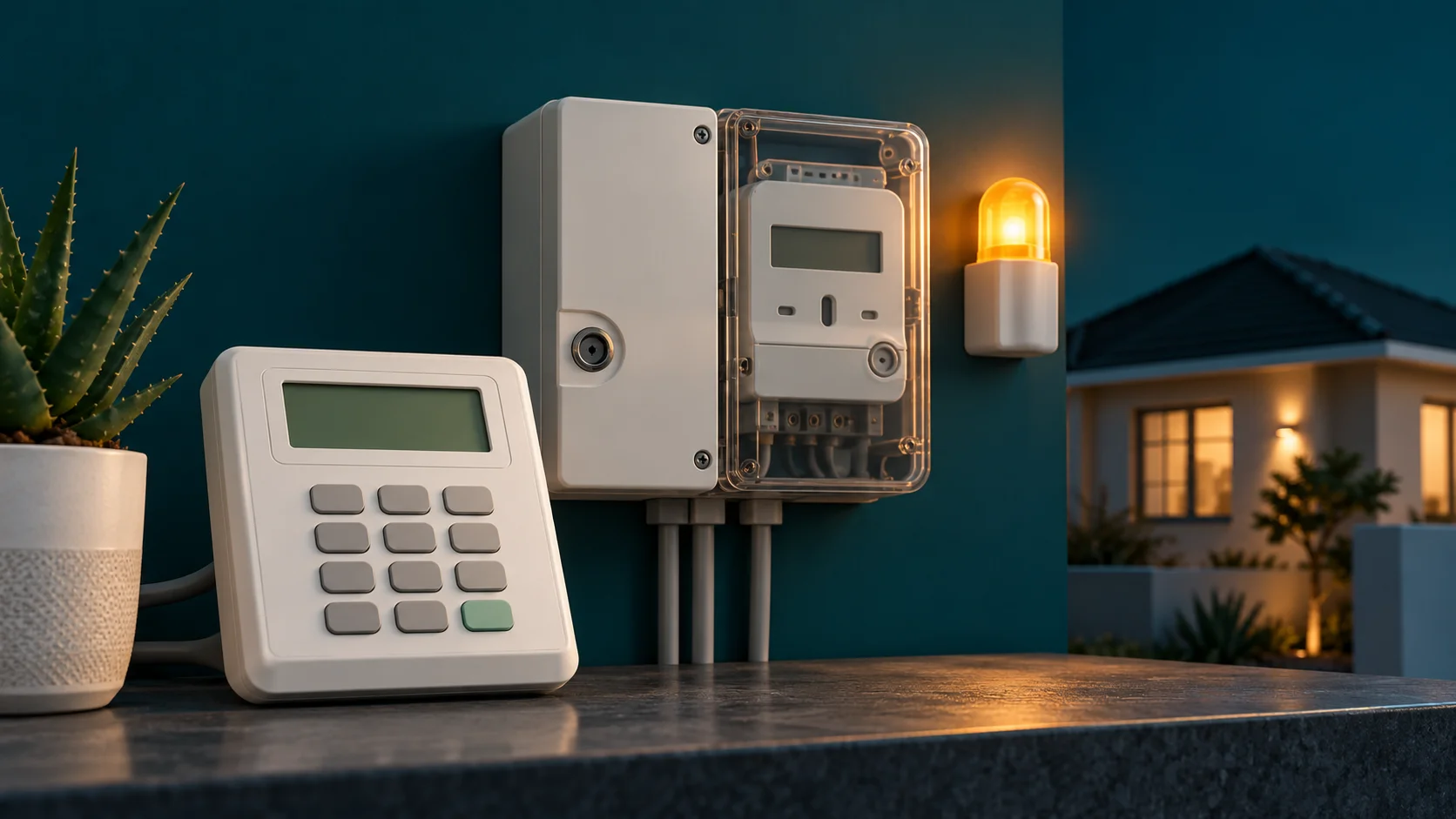
Quick reference checked 1 November 2026: the source is the Livewire Hexing prepaid user guide, version 1.0. It names the four models above. These are document-verified instructions; they have not been tested on your installed equipment. The article illustration is generic equipment, not a model identification photograph.
Identify the meter, keypad and administrator
Read the model label on the equipment without opening it. The guide distinguishes HXE110-KP and HXE310-KP with a built-in customer interface unit from HXE110-P and HXE310-P with a split CIU. The indoor keypad on a split installation communicates with a separate meter; the keypad's own serial number is not automatically the number used to buy electricity.
Record the model, meter number, supplier or private administrator and the address served. A building's managing agent can administer a meter manufactured by Hexing. The company that took your payment may be another organisation again. Knowing which role each plays avoids sending a technical fault to a bank or a missing payment to the manufacturer.
If your model is different, request its manual from the utility or administrator. For other brands, use the meter-code hub, the Conlog guide or the Cashpower guide.
Hexing codes: balance, number, error and alarm
| Task | Entry on the listed models | Meaning and next step |
|---|---|---|
| Read remaining electricity | 801, then Enter | Read the credit and its unit indicator. Record kWh if shown. |
| Read meter number | 804, then Enter | Record all 11 digits and compare with the receipt. |
| Read error information | 806, then Enter | The guide directs users with a result other than 00 to support. Send the exact result. |
| Cancel the low-credit audible alarm | 812, then Enter | Silences the warning on the documented equipment. It does not add credit, clear a fault or test the installation. |
Enter one complete command and wait for its response. Read any scrolling digits to the end before copying the number. If a command does not behave as described, stop and check the label and manual. Trying commands from unrelated models makes the original symptom harder to explain.
Do not treat 812 as a universal self-test. A quiet keypad can still have a low balance. After silencing a warning, check the balance separately and plan the next purchase. A meter number is an identifier, not a credit or activation code.
Load a purchased electricity token
- Compare the meter number on your receipt with the complete installed meter number.
- Find the electricity credit token on the successful purchase record. A payment reference or municipal account number is different.
- Enter the token in its printed order and use the keypad's Enter key.
- Wait for the accepted or rejected result before entering anything else.
- Check the credit afterwards and save the receipt, including the kWh purchased.
A token issued for another meter will not become valid because you repeat it or change the spacing. If the receipt contains meter-specific key-change tokens as well as a credit token, follow the issuer's sequence. Do not insert an internet “reset code” between them. Ask the issuer to confirm the status if the sequence is incomplete or fails.
If payment succeeded but you never received a token, start with the missing-token recovery guide. Buying again before tracing the first transaction can leave you with two purchases and the original problem.
Read the message before choosing a fix
| Documented display or symptom | What it points to | Useful response |
|---|---|---|
FAILed | The guide identifies a CIU-to-meter communication failure. | Check the CIU's normal power and communication setup before investigating the credit token. |
rEJECt / incorrect-token indication | The entry was not accepted. | Compare every digit and meter number. Ask the issuer to investigate a correctly entered matching token. |
USEd | The token has already been loaded onto that meter. | Check purchase history and the credit balance. Electricity used since loading will reduce the balance. |
| Success indication and added credit | The entry was accepted. | Record the new balance. An ongoing loss of supply needs a separate fault check. |
| Blank screen | The CIU may not have its normal power source. | Follow the manual for its power source and user-replaceable batteries; a blank screen is not proof that the payment failed. |
Displays vary with equipment and firmware. Photograph the actual message rather than choosing a similar code from a list. The rejected-token decision guide explains wrong-meter, used-token, key-change and support cases in more detail.
When the keypad cannot reach the meter
On split equipment, successful keypad operation and successful communication are separate checks. The Livewire guide advises checking the CIU plug arrangement, making the CIU the only device on the plug set, checking its batteries where fitted, and confirming the receipt's meter number. Follow your installation's instructions for the correct socket and power source.
Check accessible plugs and user controls only. Do not remove seals, open a communal meter cabinet, move wiring or experiment with pairing numbers. If an outage or a changed power arrangement coincides with the fault, include that information when contacting the administrator.
Where the CIU still responds, record what happens with a supported information command. “801 returns FAILed on the labelled HXE110-P keypad” is much more useful to support than “electricity is broken”. Stop repeating a credit token once it is clear that the keypad is not communicating.
There is credit, but the lights are still off
A balance is stored credit; it is not confirmation of a connected supply. Check whether nearby properties also have an outage and whether the meter or CIU shows a disconnected contact, overload or error. Use only the normal household controls you are familiar with. A breaker that repeatedly trips needs an electrician or utility assessment.
For smoke, burning smells, exposed conductors or damaged equipment, keep clear and report the fault through the responsible emergency or utility channel. A keypad command is not an electrical repair. Tamper indications also need the authorised administrator, even when you believe nothing was touched.
Send support enough information to investigate
- Meter and CIU model labels, plus the full meter number privately.
- Exact display message and a clear photograph.
- Purchase time, amount, retailer, reference and receipt.
- Whether the token was ever accepted and what balance is now displayed.
- Whether neighbours have power, and any recent meter replacement or communication change.
Send receipts and full tokens through the supplier's private support channel. Avoid posting them in a public comment thread. Ask for a case reference and whether the issue belongs to the seller, vending administrator or electricity distributor.
Hexing meter questions
Is the electricity balance in rands?
Read the display unit. A kWh credit is electricity units, while the receipt records money paid and any deductions. Use the tariff and units calculator to understand the difference.
Can a code give me free or emergency electricity?
The information and alarm commands above do not issue electricity. Ask your administrator about any configured emergency-credit facility, and your municipality about Free Basic Electricity eligibility.
Does 804 identify every Hexing installation?
This guide verifies it for the four named models only. Confirm other models against their own documentation and compare the result with the installed meter label.
Can I reset tamper mode myself?
Ask the responsible administrator to investigate and issue any authorised meter-specific instructions. None of the listed information codes clears a physical or security fault.
Sources: the linked Livewire user guide, pages 1–2; Eskom's common prepaid errors for escalation context. Checked 1 November 2026.