
The Conlog BEC44X installation guide specifies #100# to display the meter serial number. Enter both hash keys. For other functions, match the meter and customer interface unit to their own manual: a list labelled only “Conlog codes” can combine commands from different products.
Start by deciding what you need: the meter number for a purchase, the credit balance for budgeting, a missing token, or help with a trip condition. Each question has a different next step. This guide uses Conlog's own BEC44(X) and wBEC44(X) installation documents, checked on 1 November 2026.
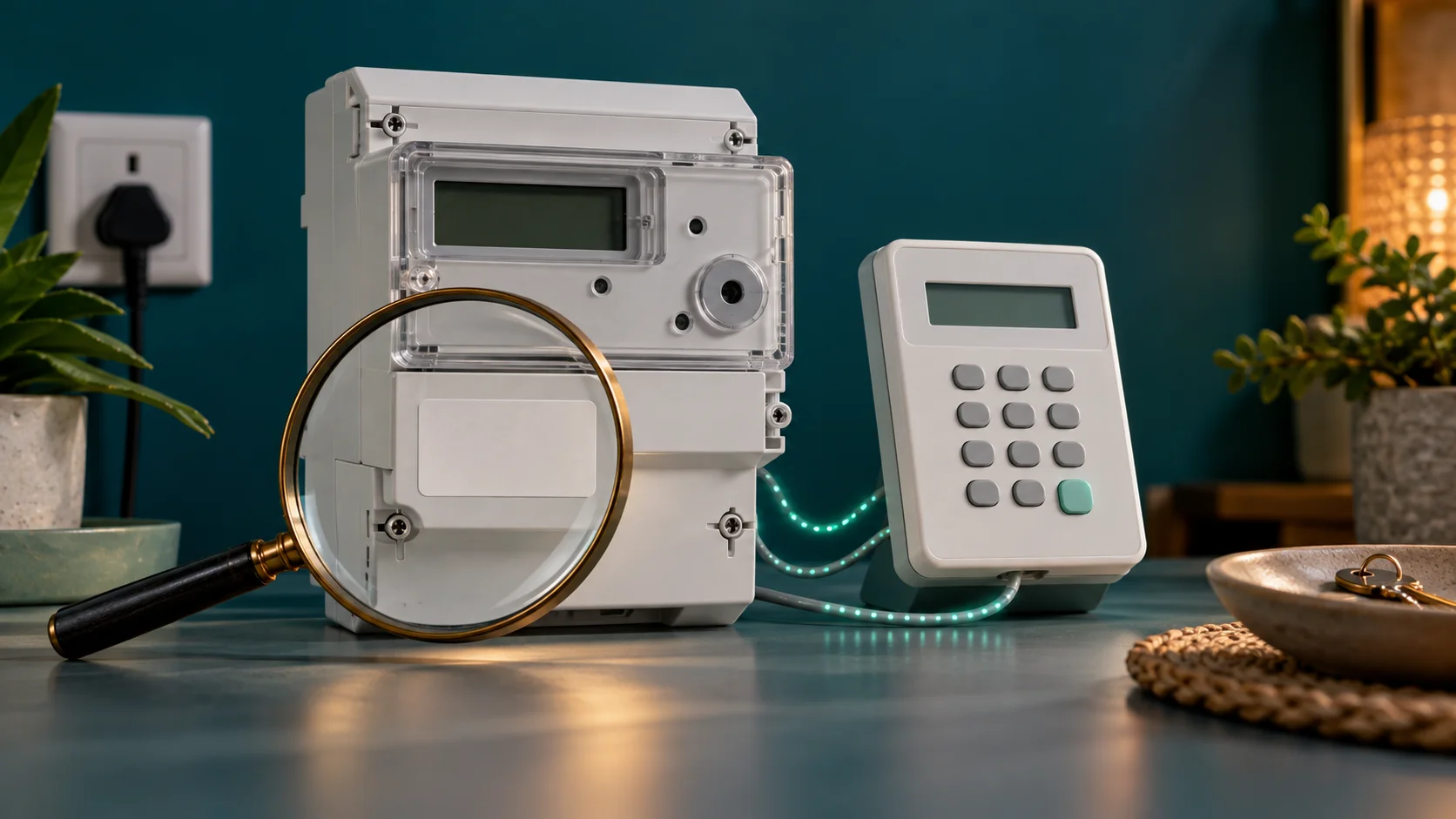
Model scope: the commands below are document-verified for the named BEC44X range, not every Conlog meter or CIU. The generic article illustration is not a photograph of a particular Conlog model. Keep the equipment sealed and refer installation or wiring work to the authorised administrator.
Find the model and the organisation responsible for it
Look for the model on the meter label and on the indoor keypad. BEC44X and wBEC44X are distinct product references; the wireless guide should not be treated as an interchangeable set of instructions for a powerline device. Record whether the equipment has recently been replaced or moved.
A CIU is the indoor interface used to communicate with a separate meter. Conlog's BEC44X guide names CIU(X) as compatible equipment. A keypad's device number, a municipal account number and the meter serial number can be different identifiers. For electricity purchases, confirm the meter number against the installed label and a successful receipt.
Your municipality, Eskom, private submetering company or building administrator controls the supply account. The manufacturer provides the device; it does not automatically hold your purchase history. Contact the seller about an unreceived token and the administrator about meter configuration or a technical fault.
Verified Conlog BEC44X information commands
| Purpose | Command or action | What to do with the result |
|---|---|---|
| Meter serial number | #100# | Record the complete result and compare with the meter and receipt. |
| Trip condition when the bar graph flashes | #073# | Send the returned condition to support. Reading the cause does not repair it. |
| Commissioning status | #031# | Read the status only. An uncommissioned meter belongs with the installer or administrator. |
| Tamper indication | Read the displayed tamper symbol. | Report the exact indication. Do not open the casing or attempt a reset. |
| Remaining electricity | Read the normal credit display and its unit indicator. | Record the balance with its unit. Use your CIU manual if the normal display differs. |
The status functions come from the display-message section of Conlog's BEC44X installation guide. They are diagnostic reads. The guide also contains installer procedures; those are not instructions for a resident to commission, wire or repair an installation.
For the wireless product use Conlog's wBEC44X guide. Confirm the command against that product's documentation before applying it. If your device does not match either guide, ask the administrator for its exact user manual instead of trying more codes.
Understand the balance and its units
A kWh balance is stored electricity credit. It is not the cash value of your last payment, and it falls as electricity is used. Record the unit indicator as well as the number. Some metering configurations use currency credit, so a bare “43.5” is incomplete information.
Keep the receipt's purchased kWh separate from the balance you read later. If 100 kWh was loaded and the home used 12 kWh before you checked, the remaining credit will be lower. To investigate fewer units at purchase time, compare the tariff, VAT treatment, prior purchases and deductions on the receipt using the electricity tariff guide and calculator.
Load a token and check the outcome
- Check that the purchase succeeded and the receipt is for the intended meter.
- Compare the full meter number with the installed meter or supported serial-number display.
- Enter the electricity credit token using your CIU's instructions.
- Wait for the result. Record a rejection before doing anything else.
- After acceptance, check the credit and retain the receipt.
A payment reference is not a credit token. If the token never arrived, recover the successful purchase through the retailer's transaction history or support process. See the missing electricity token guide before making another purchase.
If the issuer supplied meter-specific key-change tokens, follow that issuer's order and keep the complete receipt. General short codes do not substitute for a missing key-change token. Check the rejected-token guide for wrong-meter, used, invalid and re-keying cases.
Credit is available but the meter has tripped
The BEC44X guide distinguishes no credit, commissioning status, technical tamper and abnormal trip conditions. Treat these as separate findings. A new purchase can restore credit; it cannot correct a voltage fault, thermal problem or reversed installation.
| Condition in the BEC44X guide | Practical next step |
|---|---|
| No credit | Confirm the balance, meter identity and successful loading of a valid credit token. |
| Not commissioned | Give the status to the authorised installer or meter administrator. |
| Technical tamper | Keep the equipment sealed and request an authorised inspection and any meter-specific clear-tamper instruction. |
| Power or current overload | Reduce normal household load if safe; ask the administrator for the documented reconnection procedure and supply limit. |
| Thermal overload, over-voltage, under-voltage or line/load reversal | Report the precise condition for professional investigation. Repeated token entry is not a repair. |
Do not keep resetting household protection that immediately trips again. Damaged equipment, unusual heat, smoke or exposed wiring needs the appropriate utility or electrical fault response. Use only accessible normal controls; do not remove covers to inspect the installation.
Blank keypad or communication failure
First establish whether the CIU has its normal power source. Follow its manual for user-replaceable batteries and use the specified battery type. Conlog warns against incorrect battery replacement and against using physically or liquid-damaged equipment.
A powered CIU may still fail to communicate with the meter. Tell support whether information requests fail as well as credit entries, whether an outage is in progress, and whether the keypad or meter was replaced. Pairing and communication instructions depend on the installed product. Do not enter a meter number from another property as a pairing experiment.
If neighbours also lack supply, report the wider outage through the distributor. If only your installation is affected, send the meter model, CIU model, exact display and trip status to the administrator. Keep payment evidence available in case the seller also needs to trace a purchase.
A support checklist that avoids another round of questions
- Full meter number and both model labels, shared privately.
- A photograph of the actual display and the result of a supported status read.
- Purchase amount, timestamp, retailer and transaction reference.
- Whether the token was accepted, and the balance afterwards.
- Any recent replacement, outage or change to the CIU's normal power arrangement.
Ask for a reference and the responsible team. Do not publish full tokens, receipts or account details in social-media comments. If the number returned by the CIU disagrees with the installed meter, resolve that mismatch before another purchase.
Conlog meter questions
Does #100# work on every Conlog meter?
It is verified here against the BEC44X guide. Other products need their own documentation. A shared brand name does not establish command compatibility.
Is there a code for free electricity?
The listed commands read information. They do not create credit. Ask the municipality about Free Basic Electricity registration and the administrator about any configured emergency-credit facility.
Should I try a tamper reset from the internet?
Use the administrator's authorised process for your meter. A technical tamper indication can require inspection and a meter-specific token; a diagnostic status read is not a reset.
My meter says Hexing or Cashpower. Are these commands suitable?
Use the Hexing guide, Cashpower guide or brand and model hub to find the matching reference.
Source review: Conlog BEC44X and wBEC44X installation guides linked above, 1 November 2026. Verification is against documentation, not a remote diagnosis of your installation.